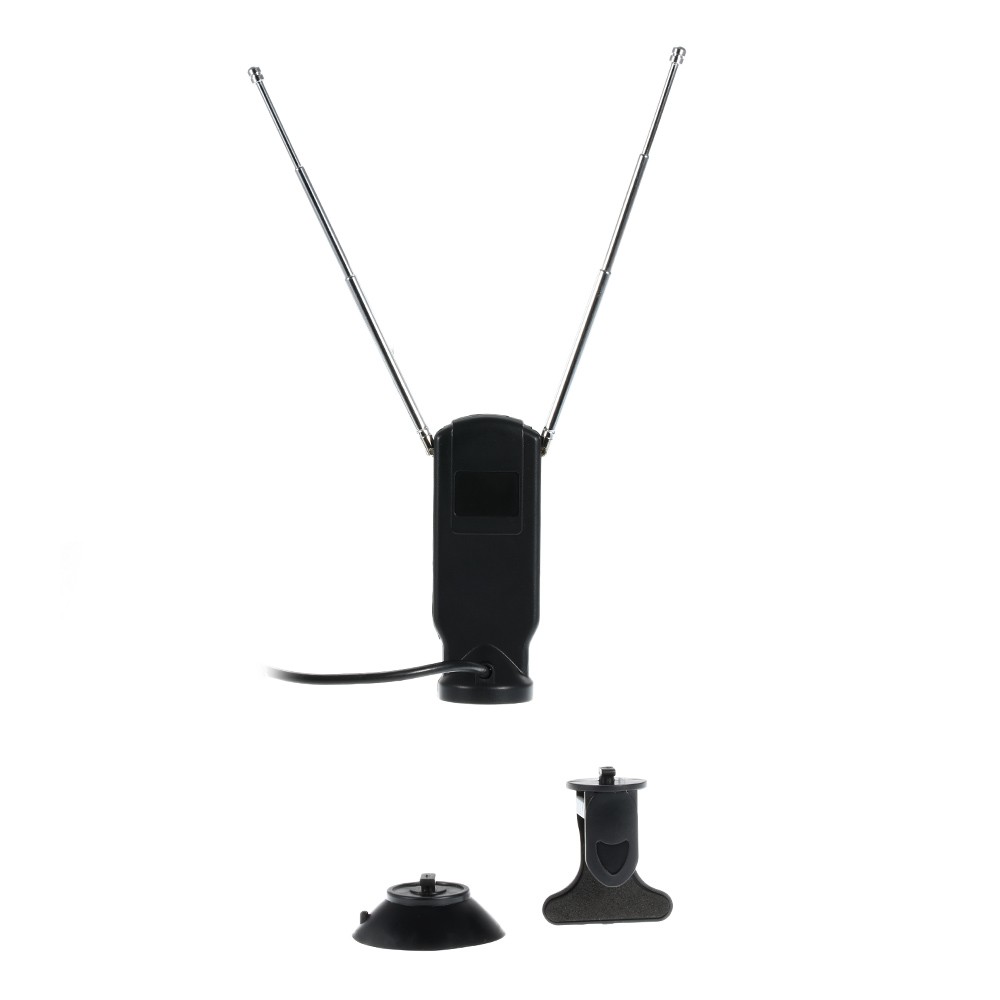
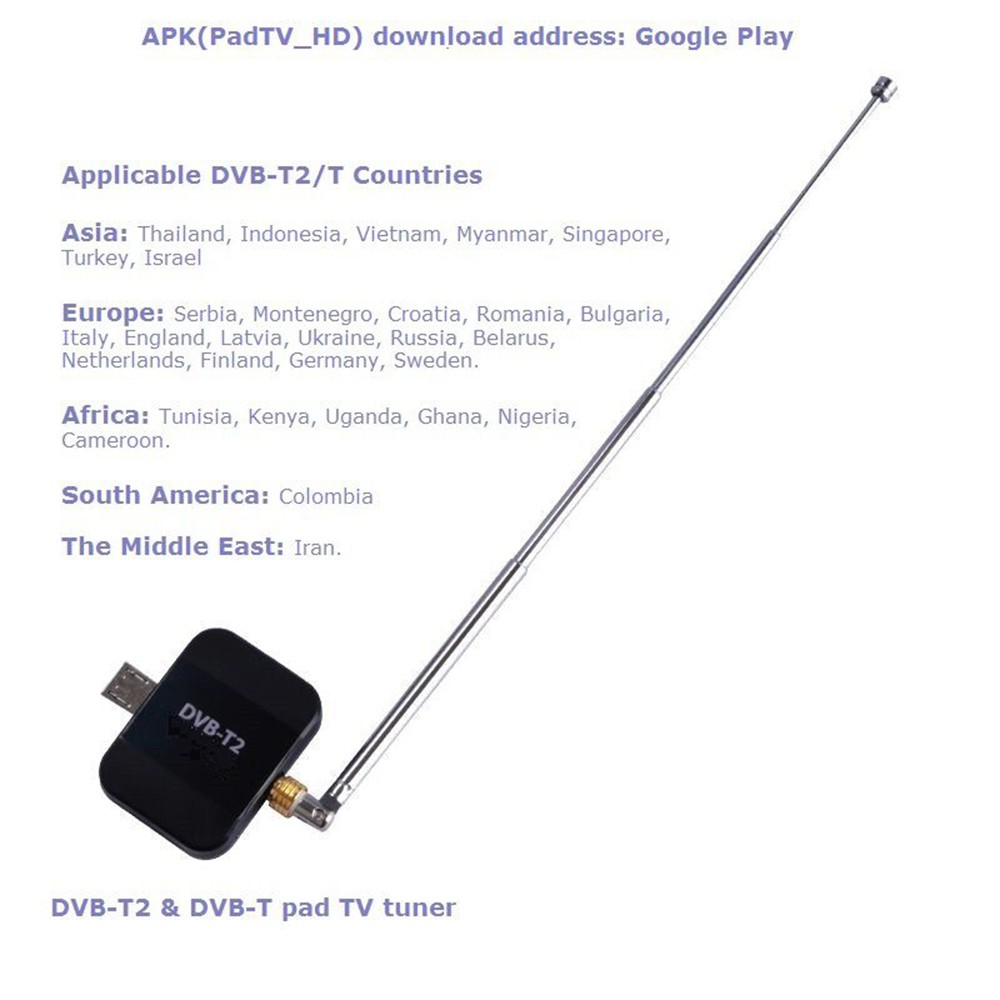
Description:Pad TV lets you watch DVB-T2/DVB-T anywhere you go using your Android Phone and Pad device. Enjoy Free to view channels without using your airtime?∨ 3G/LTE or any internet connection! PadTV is a portable tuner that receives live?∨ high-quality broadcast TV and transmits signal via micro USB port to your Android Phone or Pad. Features:Advanced TV Application - Watch DVB-T2&DVB-T TV on Android Phone/Pad with USB OTG.Rewind and Fast Forward live TV shows with Time shifting recording.Electronic Program Guide (EPG) and Supporting HDTV Receiving.Automatic TV channels searching.Create favorite channels for convenient watching.High sensitivity under low signal broad casting area.Application place: indoor and outdoor?∨ on the bus/car or on the lawn?∨ etc.De-Multiplexing:Max No. Section filtering: 32PIDSEngine: SoftwareStream capture: PES & TSRecording Format:Video Format: MPEG2 MP & ML / H.264Audio Format: MPEG2 Audio Layer I & II / AACCompatible Devices:Android 4.1 or aboveAndroid device have OTG functionalityAndroid device with a 1GHz or faster dual-core CPUApplicable DVB-T2/T Countries:Asia: Thailand?∨ Indonesia?∨ Vietnam?∨ Myanmar?∨ Singapore?∨ Turkey?∨ IsraelEurope: Serbia?∨ Montenegro?∨ Croatia?∨ Romania?∨ Bulgaria?∨ Italy?∨ England?∨ Latvia?∨ Ukraine?∨ Russia?∨ Belarus?∨ Netherlands?∨ Finland?∨ Germany?∨ SwedenAfrica: Tunisia?∨ Kenya?∨ Uganda?∨ Ghana?∨ Nigeria?∨ CameroonSouth America: ColombiaThe Middle East: IranSystem requirements:Android 4.1 or aboveAndroid device have OTG functionalityAndroid device with a 1 GHz or faster dual-core CPULike?∨ For fairphoneGoogle: for Galaxy Nexus5?∨Nexus7?∨Nexus10HTC: One X(Android4.1.1 or higher )for Samsung Galaxy :NoteNote 3?∨ S?∨ S4?∨ Tab3 8.0?∨ etc.Operation steps:1.First download and install the Pad TV HD apk in your Android device2.Plug in the Pad TV dongle to your Android device micro USB port. A pop up message will appear saying open Pad TV HD when this USB device is connected click ok to start the applicationIf you check the use by default for the USB device option?∨next time ?∨When you plug in the Pad TV dongle?∨the application will start automatically.3.for the first time usage or if you want to update your TV channels ?∨go to settings and click on the Channel Scan.4.Select your countryif there is no country that you want to choose ?∨choose any one from the catalog ?∨you are in and start the scanning?∨ the scanning will take a while ?∨please be patient.Specifications:Input Signal: 75 Ohm Digital TV Antenna InputReceive Frequency: 48.25 ~ 863.25 MHzFully Compliant with DVB-T2: EN302 755; DVB-T: EN300 7442K to 8K FFT SizePunctured Codes: 1/2?∨ 2/3?∨ 3/4?∨ 4/5?∨ 5/6 & 7/8Bandwidth: 1.7/5/6/7/8/10MHzColor: BlackMain Item Size: 3.2 * 2.4 * 0.7cm/1.25 * 0.94 * 0.27inMain Item Weight: 6.5g/0.22ozPackage Size: 11.1 * 9.3 * 4.1cm/4.37 * 3.66 *1.61inPackage Weight: 89.5g/3.14ozPackage contents:1 * Pad TV tuner1 * Mental antenna?∨long antenna(suitable home use)1 * Mental antenna?∨ Short antenna(suitable for on-the-go)1 * Clip 1 * Sucker 1 * English User guide"