Product Description
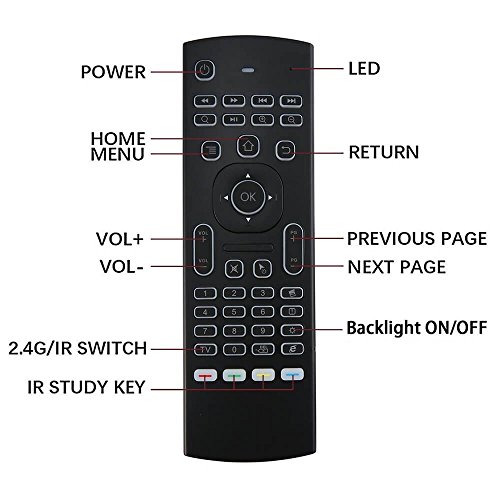
Backlit Air Mouse IR learning function There are 5 buttons which could be programmed to your TV remote keys:
1. Power button -Locate the top left corner
2. 4colors buttons-Locate the bottom
Note: Please check if your TV remote supports the NEC protocol for learning.
How to use IR learning function? • Pointing IR emitters of the TV remote and the to each other, Long press the TV button, LED light will from fast flashing to slow flashing, mouse enter IR learning mode.
• While you see LED slowly flashing, press the key on your TV remote to learn, and the IR signal is received to the remote, LED light will turn solid. You will have to choose one of those 5 learning keys.
• Click the key of the , that need to learn, the LED light becomes slow flashing, Which means that the TV remote control has received the code values of TV remote.
• After the success of learning, you can press the TV button to exit the learning mode,
Package included: 1 * 2.4 G remote
1 * USB receiver
1 * User Manual
(2 pcs AAA batteries not included)
Feature
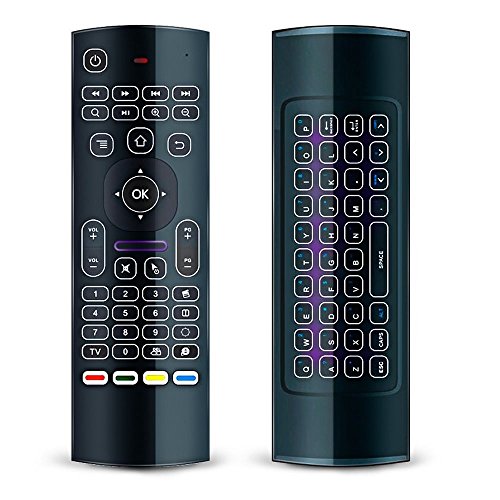
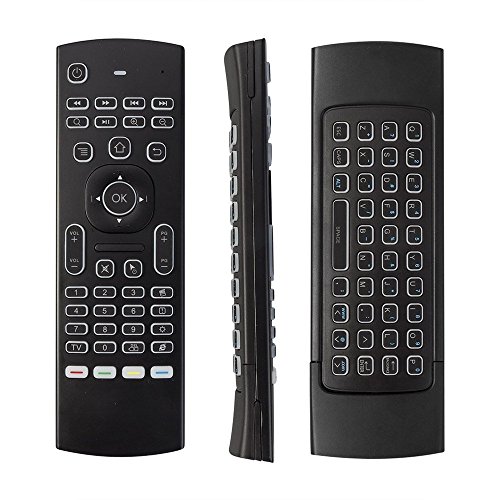
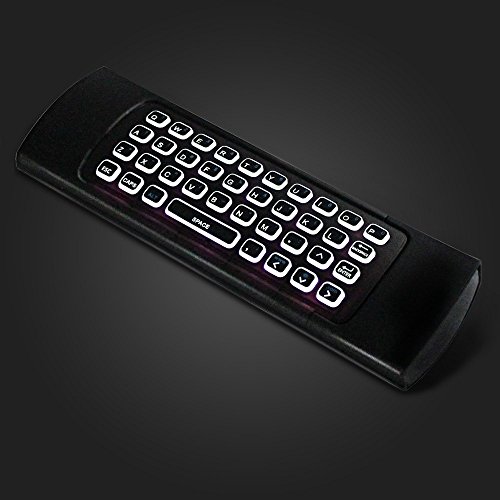
4 in 1:Mutifunction Wireless Mini backlit keyboard and air mouse, 6-Axis Somatosensory and Infrared remote control
5 IR Learning buttons: Power button and 4 colored button can learn command from your TV remote, which could control 2 device at the same time just with this remote.
Wide Compatibility: Compatible with KODI, Rasberry pi 3, Google Android Smart TV/Box,HTPC,IPTV,Networked set-top Box,Mini PC,HTPC,IPTV,Windows,MAC OS,PS3, Xbox 360,Projector etc
Systerm Support:Android OS,Mac OS, Linux, Windows
Plug and play: operating experience with the current best 2.4GHz wireless technology,3-Gyro + 3-Gsensor, convenient to operate in horizontal and vertical mode for games and typing
Brand : BAIVON
Item model num : WMKAMR01
MPN(PartNumber) : AMRC01
EAN : 0722970342361
Product Dimensions(LxWxH) : 18x6x2cm ; 150 g
Package Dimensions(LxWxH) : 22x7x3cm ; 150 g