Home RTX: Bluetooth Music Transmitter or Receiver
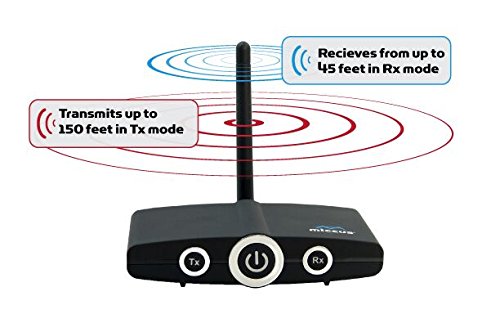
The Miccus Home RTX offers the latest in Bluetooth wireless technology allowing you to transmit or receive high quality stereo audio from long distances. Designed to be a "set and forget" solution the Miccus Home RTX offers a high-gain external antenna that lets you send and receive music at distances up to 150ft. Use two together, one in TX mode and one in RX mode and get up to 200ft.
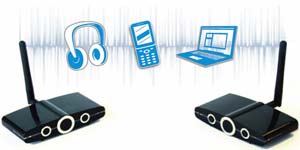
Easy to use with your existing Bluetooth enabled devices
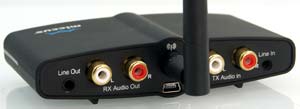
Simple to connect to your existing speakers and home stereo equipment.
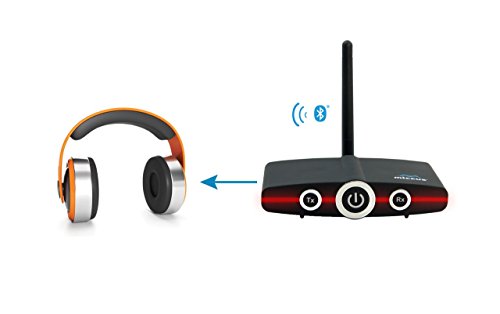
View largerIn TX mode, wirelessly transmit your TV or Home audio sources to Bluetooth headphones, speakers or receivers. Use two together to create a long range audio connection anywhere you need it. Send music wirelessly from your home to the garage, pool, backyard, and more.
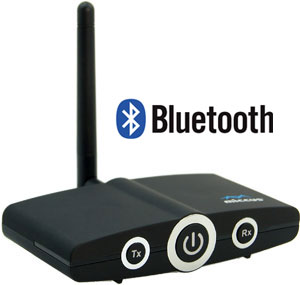
Extend the range of your Bluetooth connection for wireless freedom throughout your home
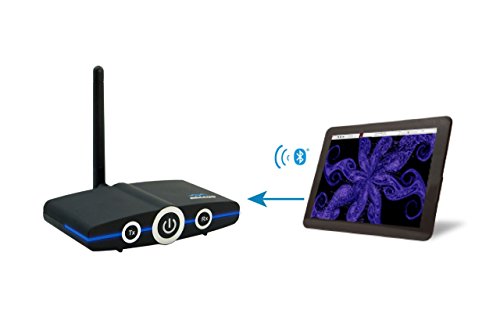
In RX mode, connect to your stereo or speakers and receive music from your iPhone, iPad, iPod, MacBook, laptop or tablet. Add Bluetooth wireless capability to existing audio equipment and installations. You control the music, use your phone or device for streaming services such as Pandora, Spotify, Podcasts and more. Leave the Home RTX powered on so when your phone comes within range it will attempt to automatically reconnect.
Stream from Your Laptop or MacBook
The Home RTX supports more than just mobile devices, most newer computers come equipped with Bluetooth wireless technology from the factory, and will work out of the box with Home RTX. In order to stream stereo audio (A2DP) from your iTunes to the Miccus Mini-jack RX or Miccus Home RTX, your computer will need the latest OS and driver support of Windows 7 and higher or Mac OS X 10.5 and higher.
Powered by Mini-USB
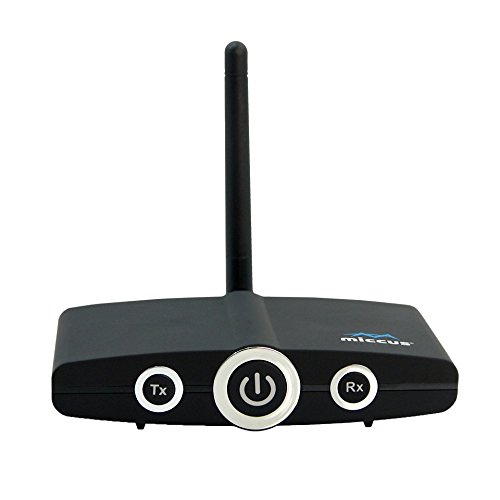
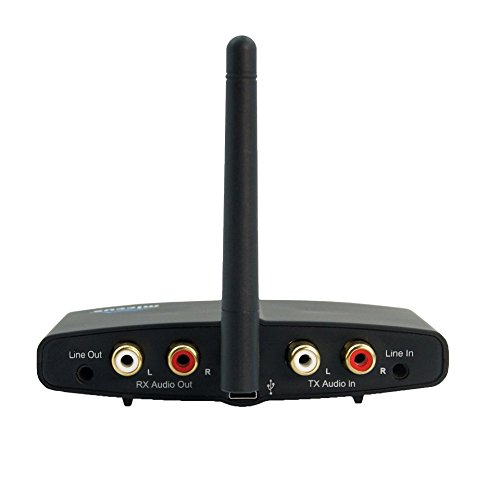
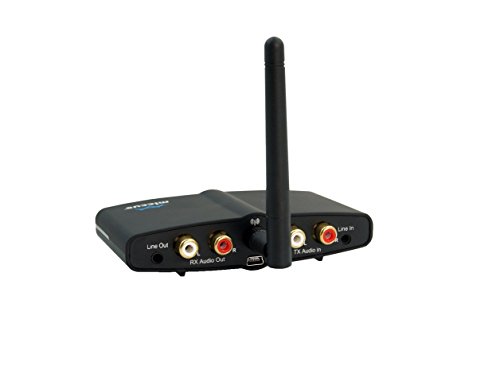
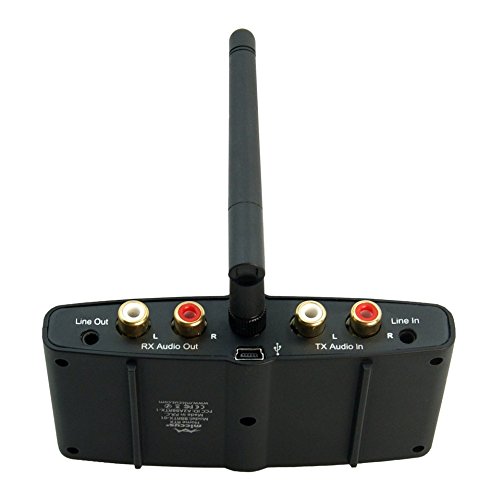
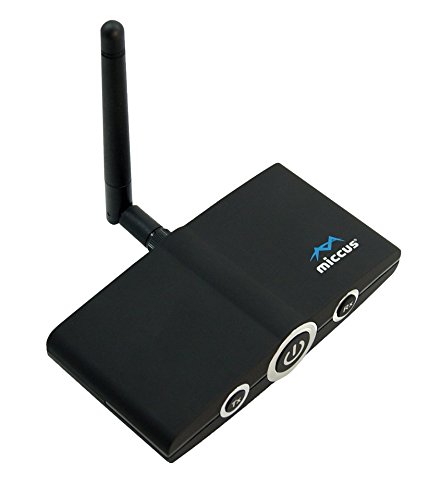
The Home RTX uses a Mini-USB jack for power; use it with the included wall adapter, or any compatible wall or car adapter. The sleek black matte finish of the Home RTX complements your existing audio equipment and the 1/8" (3.5mm) or RCA jacks offer flexibility of connection.
What's in the Box?
Miccus Home RTX, dipole antennae, AC to USB power adapter, USB mini cable, RCA to 1/8" audio cable, RCA to RCA stereo cable, and user manual.
Choose the Miccus Transmitter/Receiver That's Right for You
Note: When creating a Bluetooth audio connection between two devices, one device must function as the audio transmitter and the other as the audio receiver. Mobile phones, tablets, laptops and PCs, function ONLY as Bluetooth audio transmitters.