Q1:HOW TO CONNECT TO YOUR DEVICE (IPHONE/SMART PHONE/IPAD/COMPUTER...)
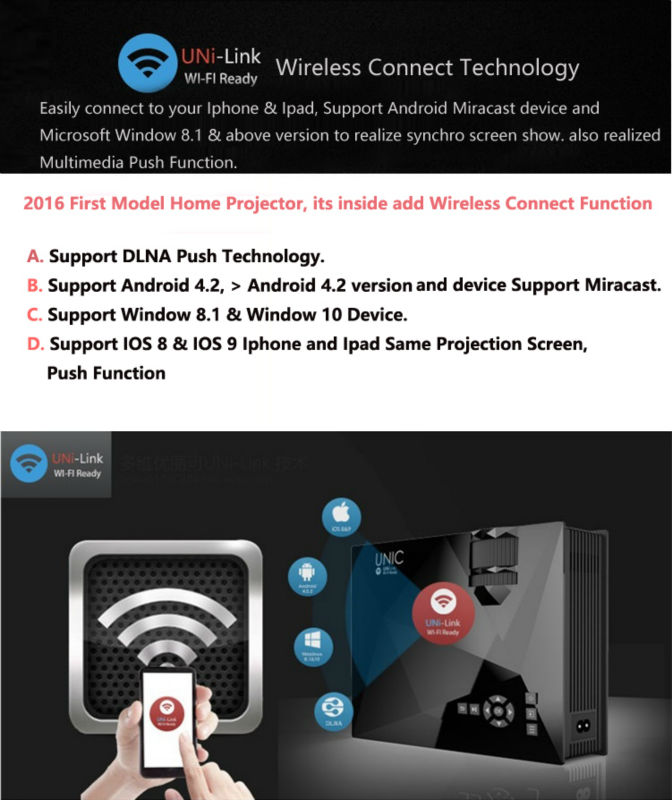
1.Choose "UNi-Link" Input Source

2.Connect with the WIFI: "UNi-Link-1EoooCE"

3.Display on the same screen

Q2:HOW TO LOG ON THE INTERNECT WHEN OUR DEVICE CONNECT TO PROJECTOR?
4.Log inhttp://192.168.49.1
5.Connect to Wifi, and watch Video online.

6. Watch Video online

........................................................................................................................................................................................
Manufacturer Specification
- Display Type: TFT LCD Technology
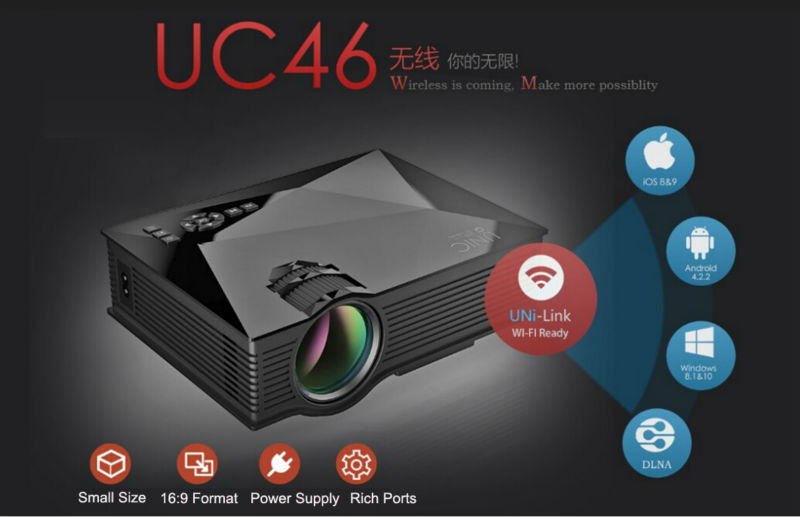
- Model: UC46(Built-in Anycast)
- Resolution: 800x480
- Compatible Resolution: 800x600; 1024x768,1280x800,1920x1080
- Brightness: 1200 Lumens
- Contrast: 800:1
- Aspect Ratio: 4:3 ,16:9
- Projection Method: Front/Rear/Suspended Ceiling Projection
- Keystone Correction: +/- 15 Degrees
- Focusing Manner: Manual Focus
- Image Size: 34 to 130 Inches
- Projection Distance: 1.07-3.8M
- Lamp: LED Lamp
- Power : 55W Max
- Speakers: 8Ω2W
- System : UNi-Link OS
- Wireless : WIFI 2.4G Anycast
- Lamp Life: Estimated life of over 20,000 Hours
Others
- Audio Format: MP3, WMA ,ASF, OGG,AAC,WAV
- Video Format: 3GP(H263,MPEG4)/AVI(XVID,DIVX,H264)/MKV(XVID,DIVX,H264)/FLV(FLV1)/MOV(H264)/MP4(MPEG4,AVC)/MPG(MPEG1)/VOB(MPEG2)/RMVB(RV40)
- Image Format: JPEG, BMP, PNG
- Document : TXT
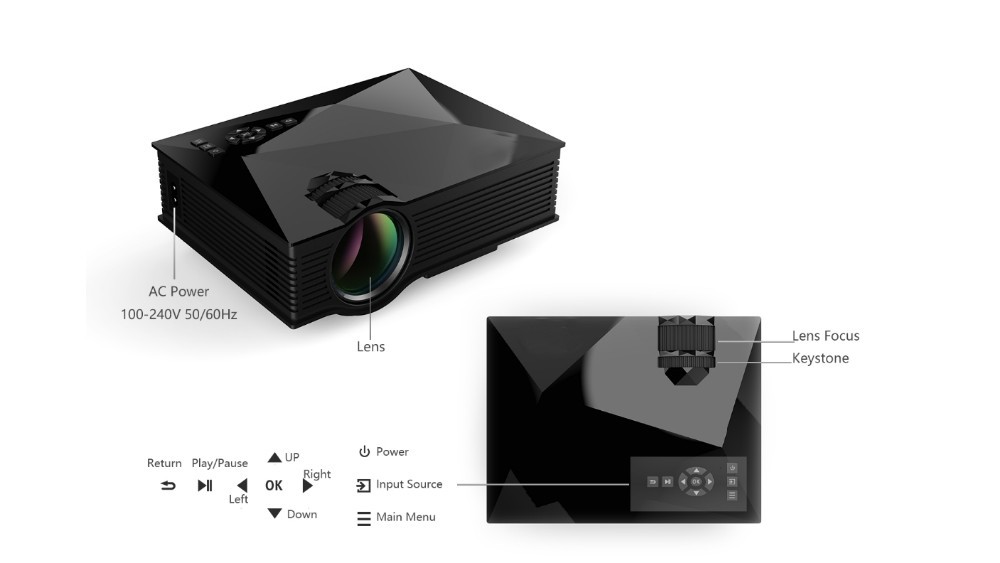
- Power Requirement: 100 to 240V AC, 50/60HZ
Interfaces
- DC In
- 2 x USB Port
- HDMI
- AV IN
- Earphone jack
- VGA
Dimensions
- Main Product Dimensions: 201mm*153mm*67.5mm (L x W x D)
- Main Product Weight: 1000g
Package Contents
UC46 Projector
Power Adaptor
Power Cable
Remote Control

UC28+ Projector


UC40+ Projector