Product Description
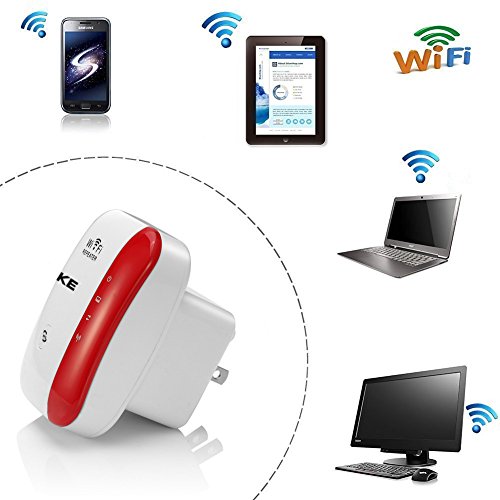
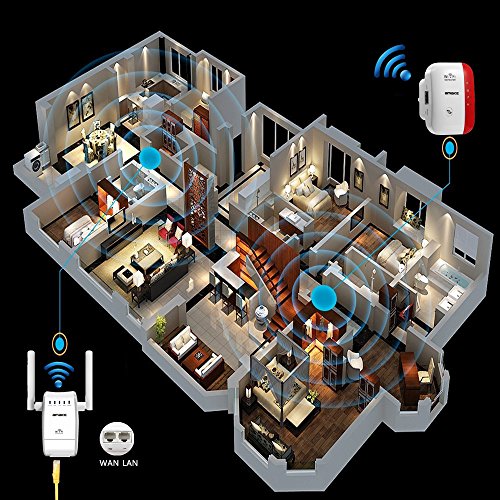
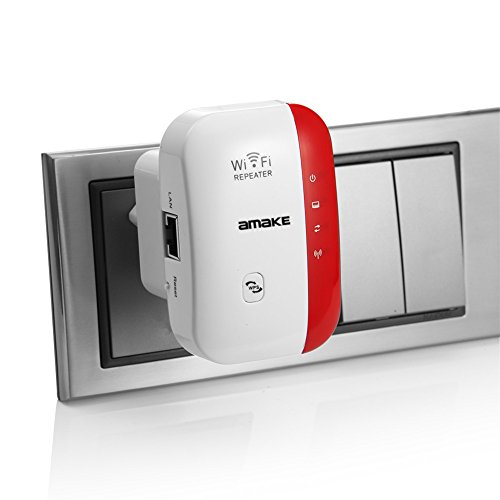
What's the Wifi Repeater? Newest Chipset Technology, Wifi Repeater can extend your wifi signal to your house,office , improves Wireless Coverage in all WLAN Networks,eradicates dead area so that you can use wifi in bathroom, balcony etc. It works well with Other 11b/g and 11n Protocol Wireless Products
Installation Steps 1.Connect with 'wifi repeater' on your phone's wifi list
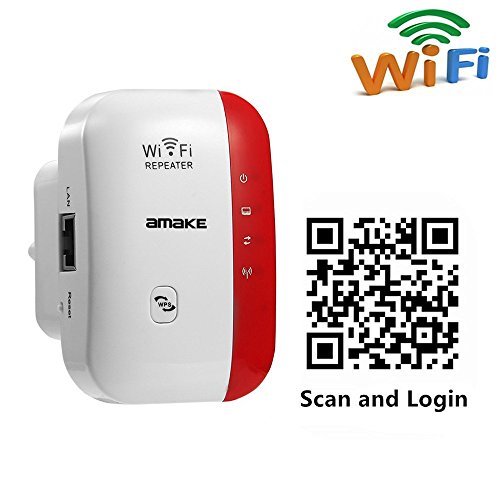
2.Scan the QR code on the package or enter the address 'http://192.168.10.1'on your website.
3.Wait the configuration page,enter 'admin' for both username and password.
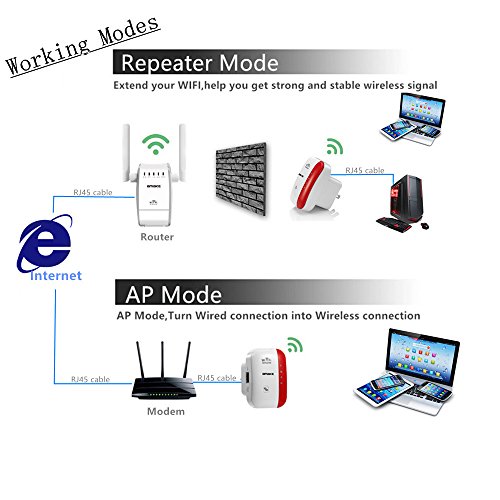
4.Choose the 'Repeater' on the mode page
5.choose the wifi you wish to extend
6.Enter a new SSID and your original wifi password
7.Click 'Apply'.Then wait for several minutes to use the extended network.
Why the mode is setting unsuccessfully ? A. You may have typed in the router's wireless password incorrectly, please log in and check the wireless password without over 32 characters under 2.4ghz
B. The wifi repeater maybe out of range, please move it closer to the router
C. Please reset the wifi repeater and go through the configuration again
Note: when finish setup, let the wifi repeater buffer 2 minutes
Why can not see the login page after entering http://192.168.10.1 in the browse? A. Make sure your computer is connected to the
Wifi Repeater network
Make sure your computer is set to: obtain an IP address automatically
DHCP How do i reset the Wifi Repeater? Press and hold the reset button for 10 seconds
Specifications: 1. Voltage: 110V-240V
2. Support 2.4 GHz WLAN networks
3. Maximum WLAN security with WPA2, WPA and WEP (128/64)
4. Distance: Outdoors 300m , Indoor 100m (Change with the Actual Environment)
Note: Any issues, please contact amazon@szamake.com, we will try our best to fix it.
Feature
Extend network connection:Receive your wifi signal from routers and easily extend your wireless local area network coverage,offering you stable wifi signal in weak area
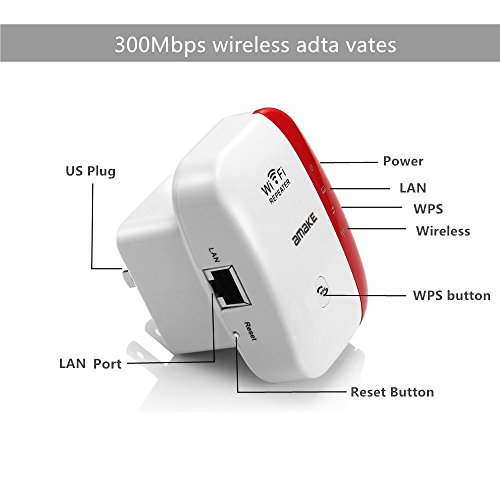
Combined wired/wireless connection:This wireless repeater with Lan port,which not only support wireless repeater connection but also wired LAN connection
High Quality Network:Wireless network connection speed up to 300Mbps,this repeater with the power that can boost high speed and long range network
High Wireless Compatibility:Compatible with any wireless network devices that comply with the aggrement of 802.11n/g/b,including Desktop,PC,Tablet,Laptop,Smart TC,smartphone,iPhone,iPad,etc
Easy to Install and Set:Plug this easily and setup follow the picture instruction. Simply pressing WPS button to get safe encryption
Brand : AMAKE
MPN(PartNumber) : UNT-R2
Product Dimensions(LxWxH) : 12x12x7cm ; 91 g
Package Dimensions(LxWxH) : 12x12x7cm ; 91 g