
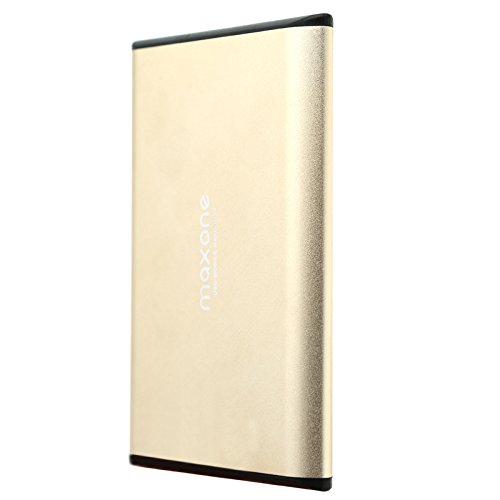
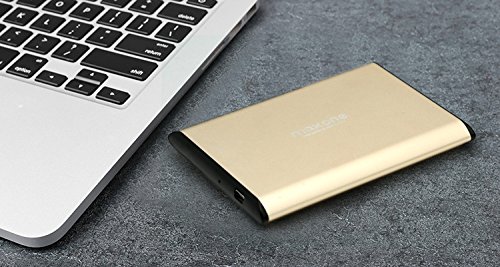
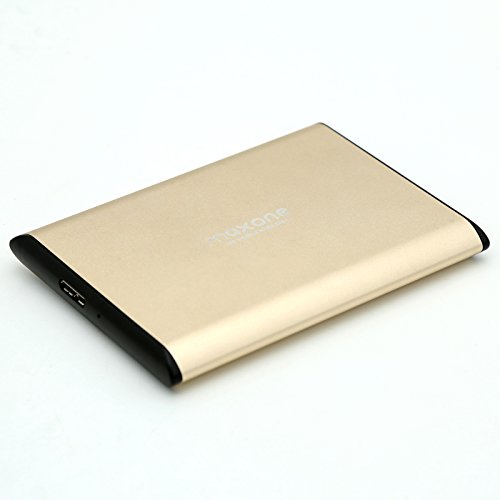
2.5" 160GB/160G Portable External Hard Drive Black USB 2.0 For Laptop/Desktop-Model 2519

Product Description
This External hard drive is formatted in Exfax file. It support Windows 10, 7,8 and OS X (10.6.5 and newer).If you connected a USB drive and Windows doesn't show up in the file manager, you should first check the Disk Management window.
To open Disk Management on Windows 8 or 10, right-click the Start button and select "Disk Management". On Windows 7, press Windows+R to open the Run dialog, type diskmgmt.msc into it, and press Enter.
To create a new partition on your drive, do the following:
1.Right-click on the Unallocated space, and go to New Simple Volume
2. Now set the size of the new volume, and you're good to go!
Note: if you need it for PS3 and smart TV, this external hard drive has to be reformmatted in Fat32 file.
capacity on the product will be differenct from the windows output:
Capacity on product (Decimal)Windows Output (Binary)
250GB 238GB
320GB 298GB
500 GB 465 GB
1 TB (1,000 GB) 931 GB
2 TB (2,000 GB) 1,862 GB
3 TB (3,000 GB) 2,794 GB
Feature
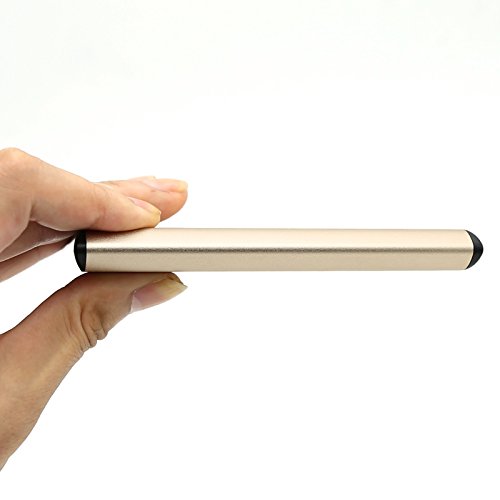
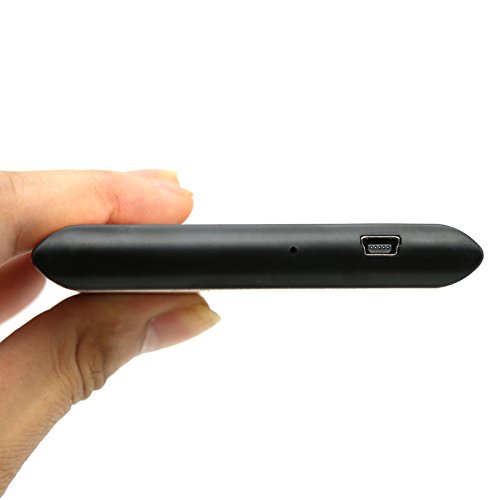
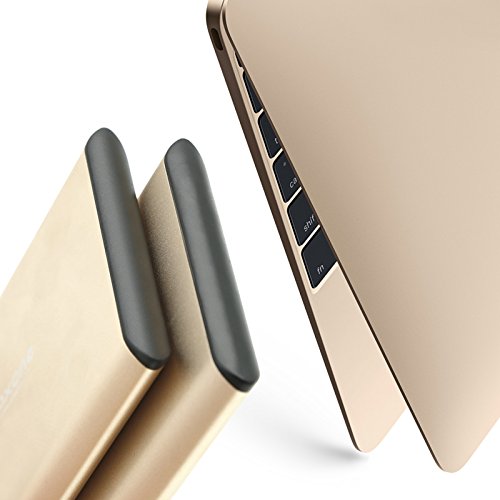
2.5" USB 2.0 160GB Portable External Hard Drive works for PC/Laptop