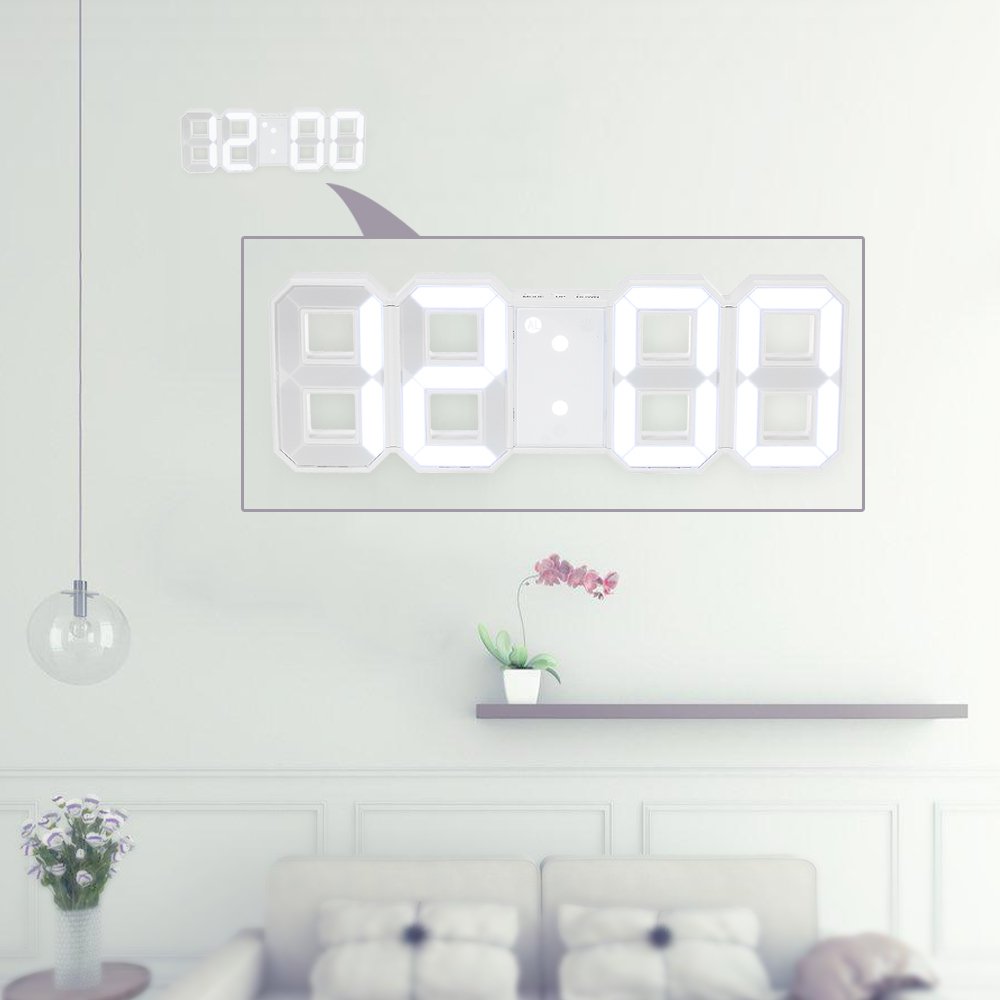
Item Descriptions:
color:
white
About setting: (Please feel free to ask ilastore-jp if you have any questions.)
1) Time setting
A. In the under time mode, press and hold the MODE button for 2 seconds to enter the time setting mode.
Setting sequence: time → minute.
B. During the setting process, the setting article flashes.
C. Press "UP" once to advance 1 hour, press for 2 seconds and advance at speed of 8 steps / second.
D. Press "DOWN" once to return 1 hour and press it for 2 seconds to return to the speed of 8 steps / second.
2) Alarm setting
A. In the alarm mode state, press and hold the MODE button for 2 seconds to enter the time setting mode.
Sequence of settings: hours -> minutes -> snooze
B. During the setting process, the setting article flashes.
C. Press "UP" once to advance 1 hour, press for 2 seconds and advance at speed of 8 steps / second.
D. Press "DOWN" once to return 1 hour and press it for 2 seconds to return to the speed of 8 steps / second.
E. "AL" icon flashes during setting.
3) When the alarm sounds
A.2min sounds about.
(Bibibibi)
B. Press the MODE button to stop the alarm and enter the snooze model.
The "AL" icon flashes until the next alarm time.
Press the C.UP / DOWN button to turn off the alarm.
"AL" icon also disappears.
4) Snooze interval setting
A. The snooze interval time is the default of 5 minutes.
B. Press the MODE button three times in the alarm mode state to enter the snooze interval setting interface.
"05" is blinking.
Press the UP or DOWN button to set the interval time.
(Setting range: 5-60 min)
C. Press "UP" once to advance 1 hour, press for 2 seconds and advance at speed of 8 steps / second.
D.
Press "DOWN" once to return 1 hour and press it for 2 seconds to return to the speed of 8 steps / second.
5) Night mode function
A. In night mode, the LED automatically reduces nighttime brightness.
B. Press the MODE button twice in the state of the time model to enter the night mode.
C. Night mode period is from 18:00 to 6:00.
Press the D. MODE button to turn the night mode function on / off.
E. When the night mode function is "ON", press the MODE button to enter the night mode setting.
Setting sequence: start time → start time → stop time → stop time
6) Setting the brightness level
A. Three brightness levels: high, medium, low
B. The default is medium level
C. Press the up button to switch to high, medium, low level.
4) Power consumption
A.1x button cell (CR 2032) (not included)
B. DC input 5 V / 500 mA - 1000 mA (not included)
C.1x USB cable (accessory)
5) Attention
A. Button cells are only responsible for recording the set time.
We can not supply electricity to the machine.
In case
B. When connected to the DC adapter or USB cable, the time mode is displayed on the clock.
C. When an alarm sounds, disconnecting the DC adapter or USB cable will stop the alarm.
specification:
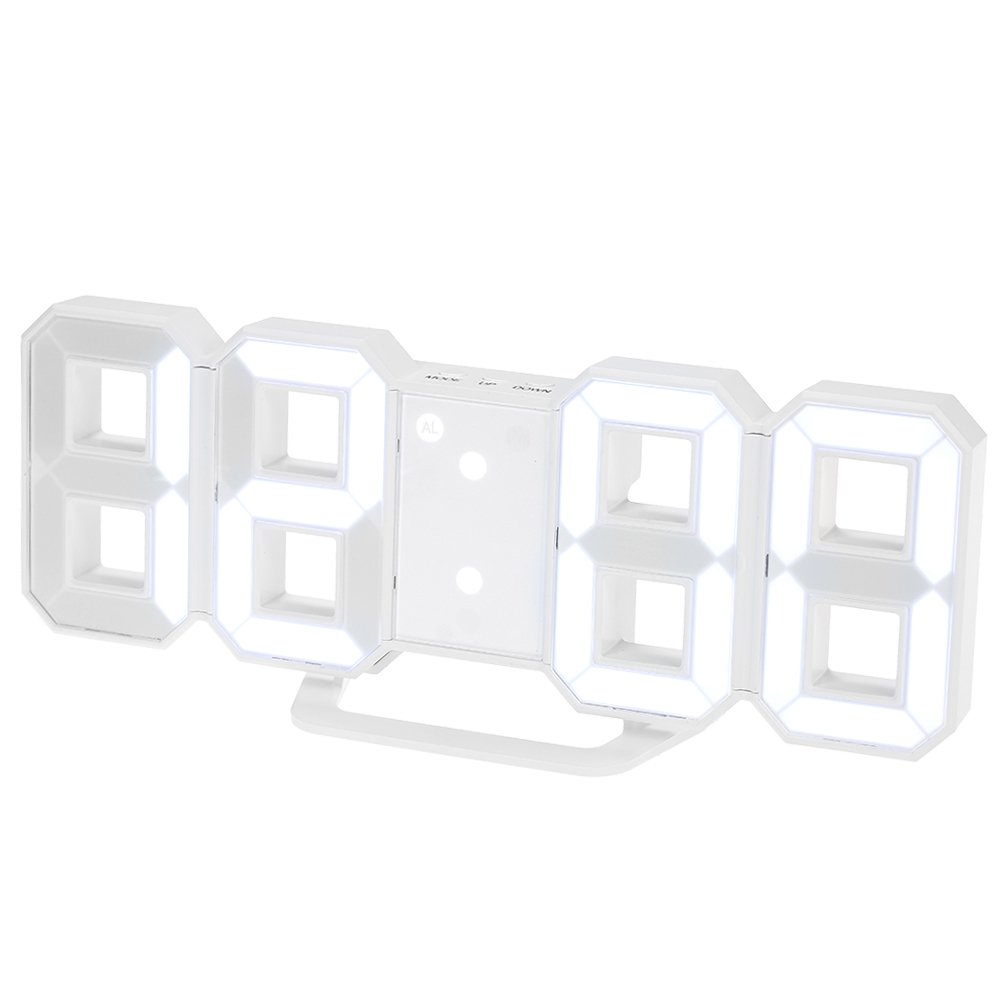
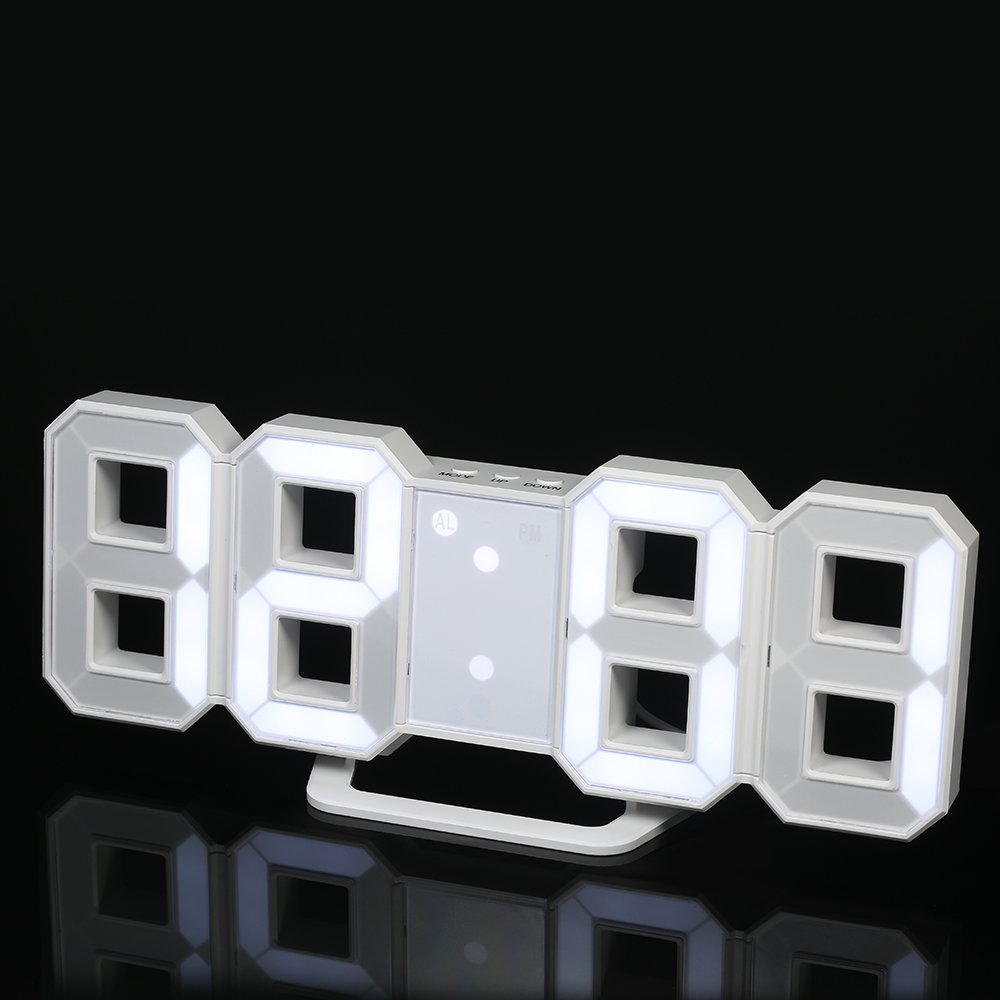
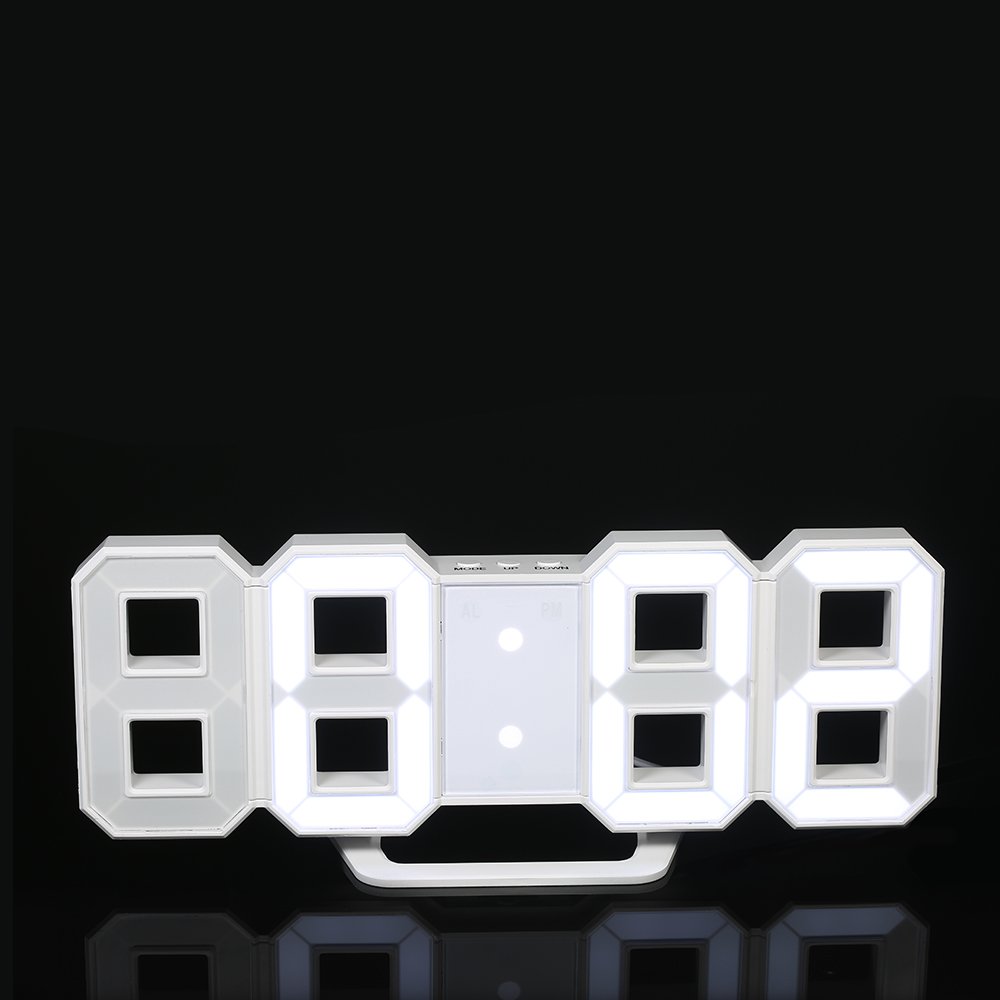
Color: White
Material: ABS resin
Display: LED
Time format: 12H / 24H
Power supply: DC 5 V, 1 * CR 2032 Button battery (sold separately)
USB cable length: 115 cm
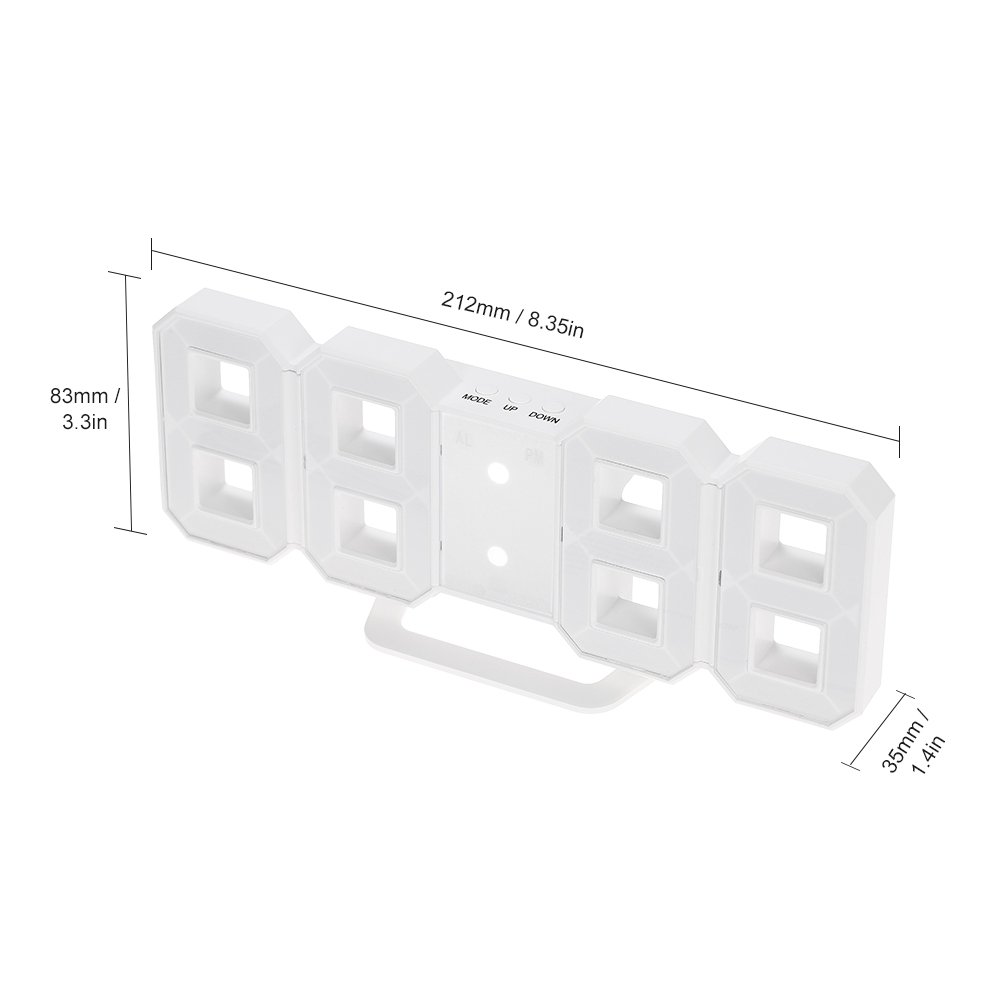
Product size: 212 * 83 * 35 mm
Product weight: 150 g
Package size: 22 * 9.3 * 4.5 cm
Package weight: 213 g
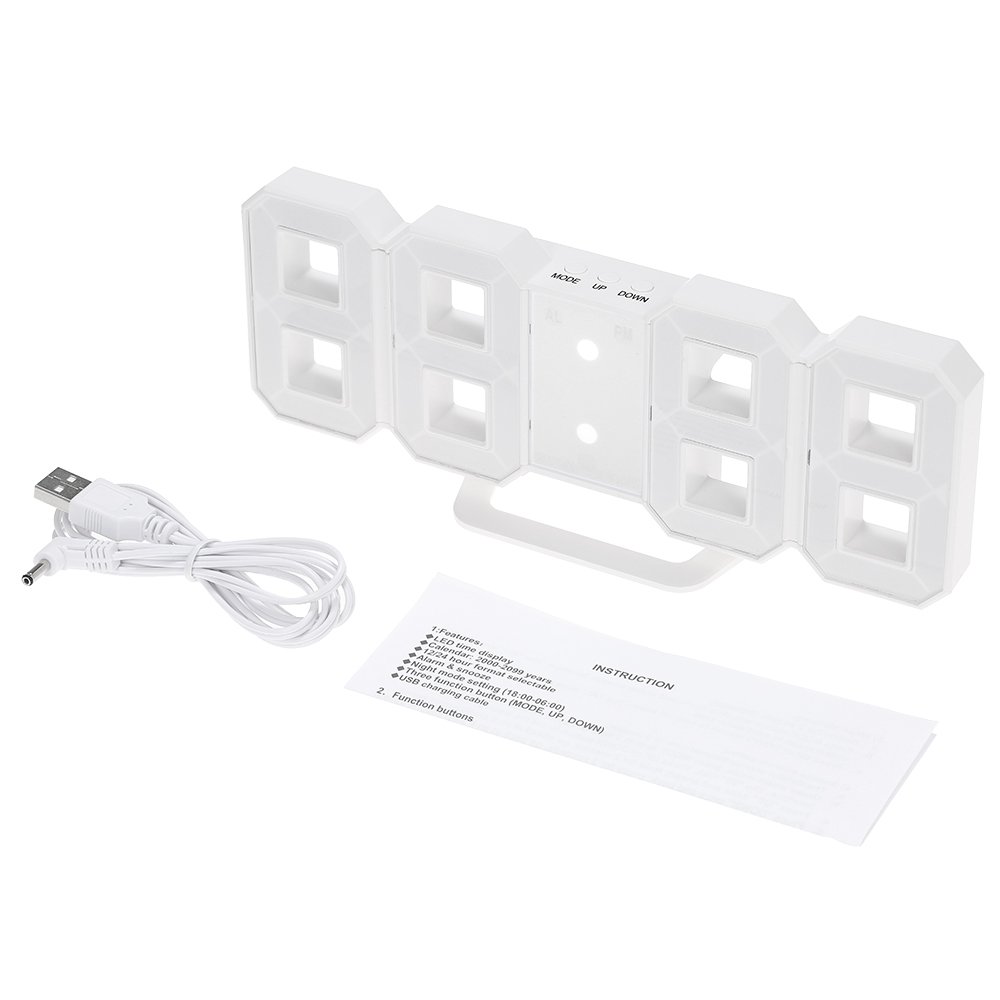
Package list:
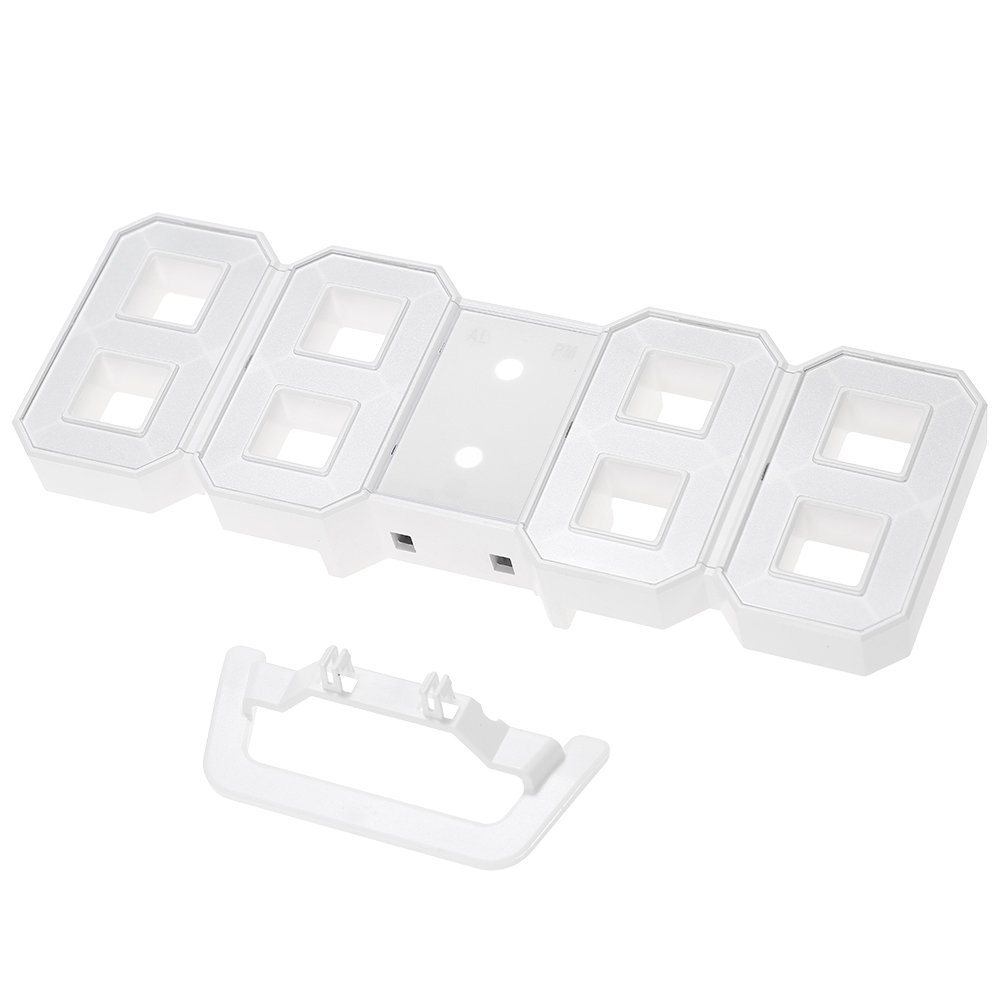
1 * LED clock
1 * USB cable
1 * User manual (English)
Features:
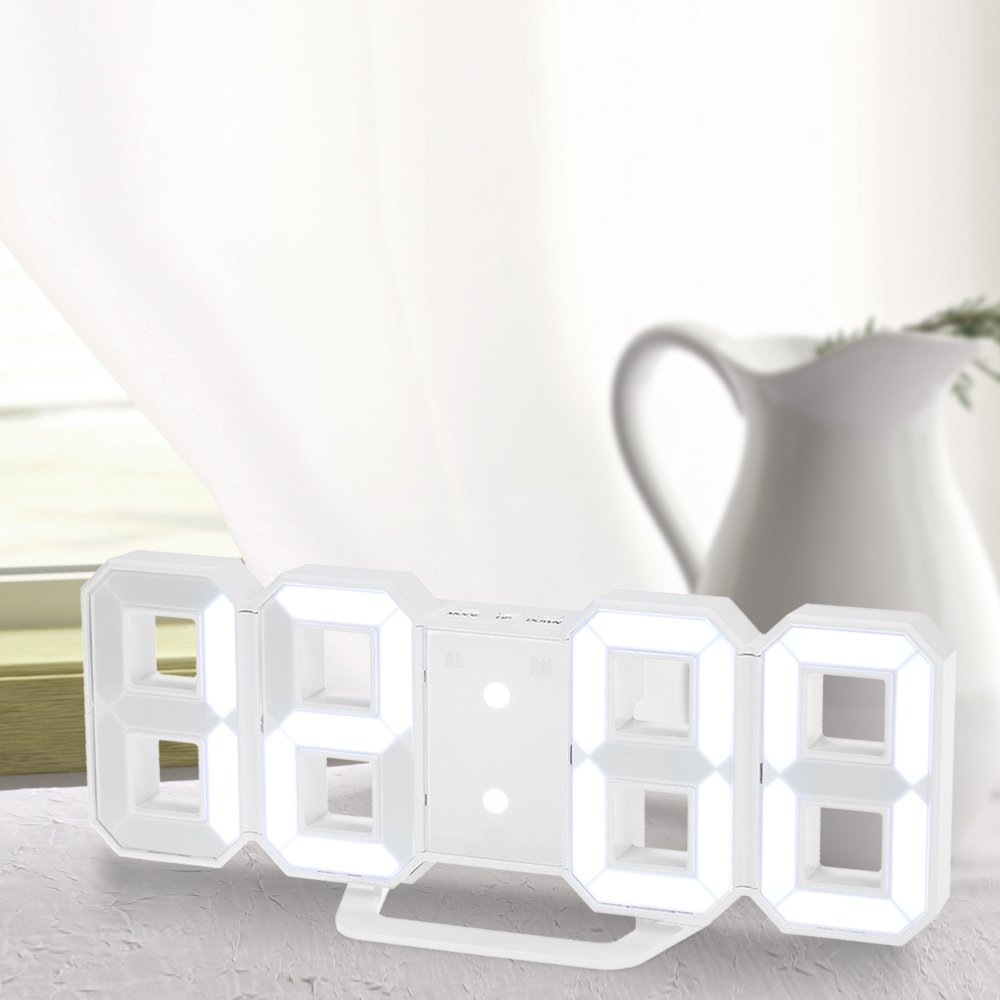
- It is convenient to use, attached to a desk or wall.
- Alarm & snooze function attached.
- Night mode setting (default is 18: 00-06: 00), the LED automatically reduces nighttime brightness.
- The 12H / 24H time model can be selected.
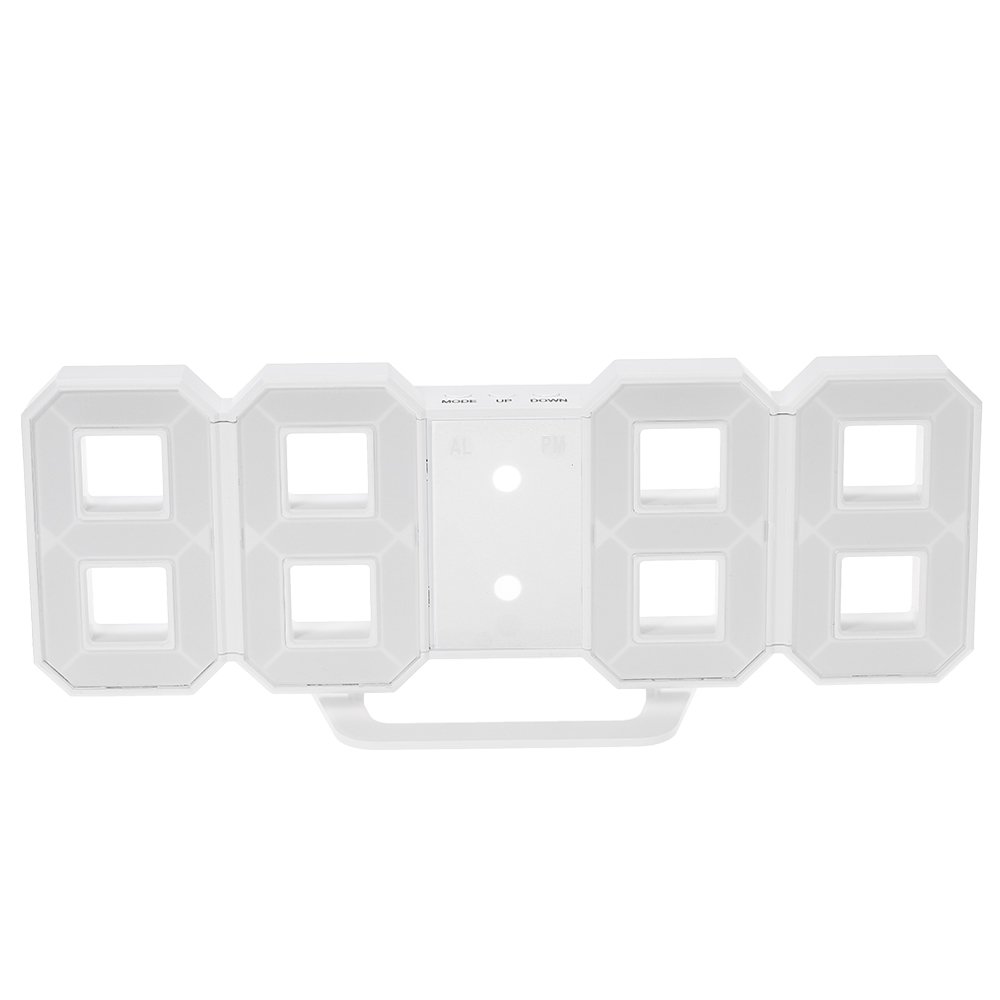
- Three function buttons (MODE, UP, DOWN) that are easy to operate.
- For details on how to use please refer to the "Description of item" section on this page.
Product information:
Shipping Weight: 222 g
Package Dimensions: 7.11 x 13.99 x 25.81 cm
SHIPPING METHOD
Delivered directly from Japan by Japan Post. It will take 3 to 5 business days to prepare the order for shipping. We guarantee careful packing and safe shipping.Please note that in some cases additional import or VAT charges may incur and have to be borne by the client.
1. Japanpost registered mail
Shipment by Japanpost Registered Mail (Standard). Trackable any time with tracking number. Insurance is not available. Delivery time usually is between 1-3 weeks from the date of dispatch. Some items are not eligible for Standard Shipping.
2. Qxpress Standard
Shipment by Qxpress standard service. Trackable at any time with tracking number. Registered and insured up to a value of item price and shipping fees.Delivery time is usually between 5-10 business days from the date of dispatch.
3. EMS
Shipment by Expedited Mail Service. Trackable at any time with tracking number. Registered and insured up to a value of $200 and usually delivered in 2-6 business day from the date of dispatch.

| Japanpost registered mail | Qexpress | EMS | |
|---|---|---|---|
| Shipping Method | Japanpost Registered Mail (Standard) | Standard Qexpress | EMS (Expedited Mail Service) |
| Trackable | Yes | Yes | Yes |
| Insured | N/A | Yes (Up to item price and shipping fees) | Yes (Up to $200.00) |
| Asia | 1-3 weeks | 5-10 days | 2-5 days |
| Oceania; North America; Central America and the Middle East | 2-4 weeks | 6-14 days | 2-6 days |
| Europe | 2-4 weeks | 6-16 days | 3-8 days |
| South America and Africa | 2-4 weeks | 10-18 days | 4-8 days |
NOTICE:
- For overseas delivery, please be aware that damage to the outer box can be seen.
- If you would like to avoid as much damage as possible, please choose the EMS shipping method.
"According to Qoo10 guide line,overseas shipping fees will be charged to you extra if you choose Qxpress standard shipping.We recommend you to compare the total price of your purchase with EMS."
