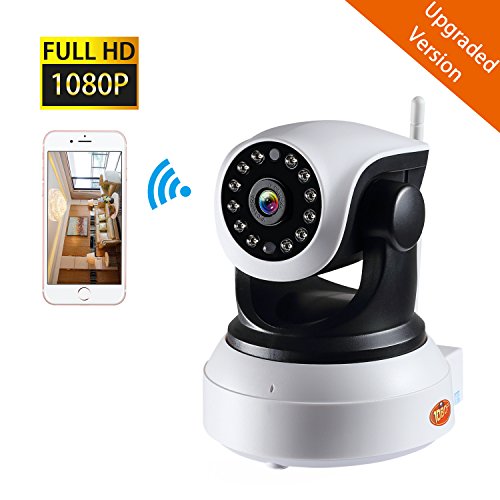
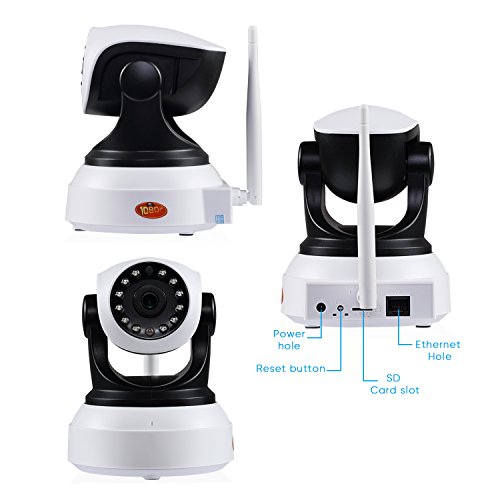
NexGadget Upgraded Version 1080P Security Wireless Indoor Surveillance Camera with Night Vision[Product Information]- Enter your model numberto make sure this fits.
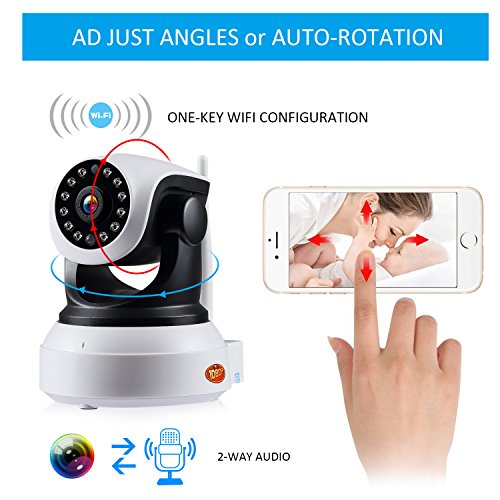
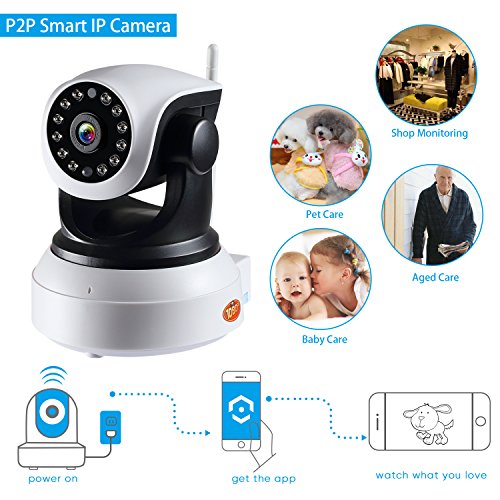
- Easy setup: download the eye4 app to get started, wifi /wired (2.4Ghz network only) connection available within 5 minutes, watch the connect video: open the app>click “+” at the top right>ip camera>video tutorial
- Two-way audio: a built-in speaker and microphone, easy to talk and listen through the app. Speak up to catch someone’s attention, or tell the pet to get off the couch.
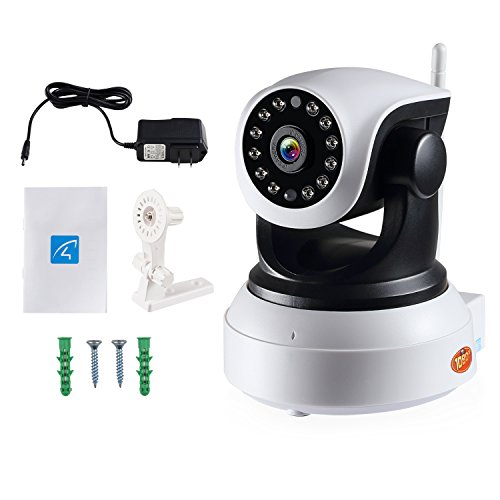
- 24/7 live video: Pan horizontally up to 355°, tilt vertically up to 90° and all-glass lens let you look after home in 1080p HD, day and night.
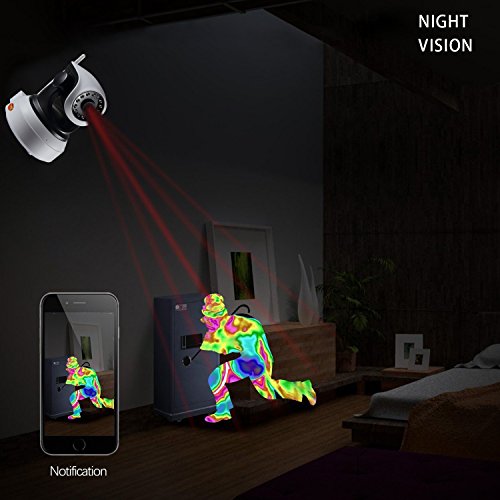
- Motion detection: when it detects activity, it can send an email to you for checking in time
- Feed live can be viewed by multiple users simultaneously, you can view 4 videos on the phone app and 49 videos on PC. Any concerns, please feel free to contact us via Winkubeady@peaktek-us.com