At a glance
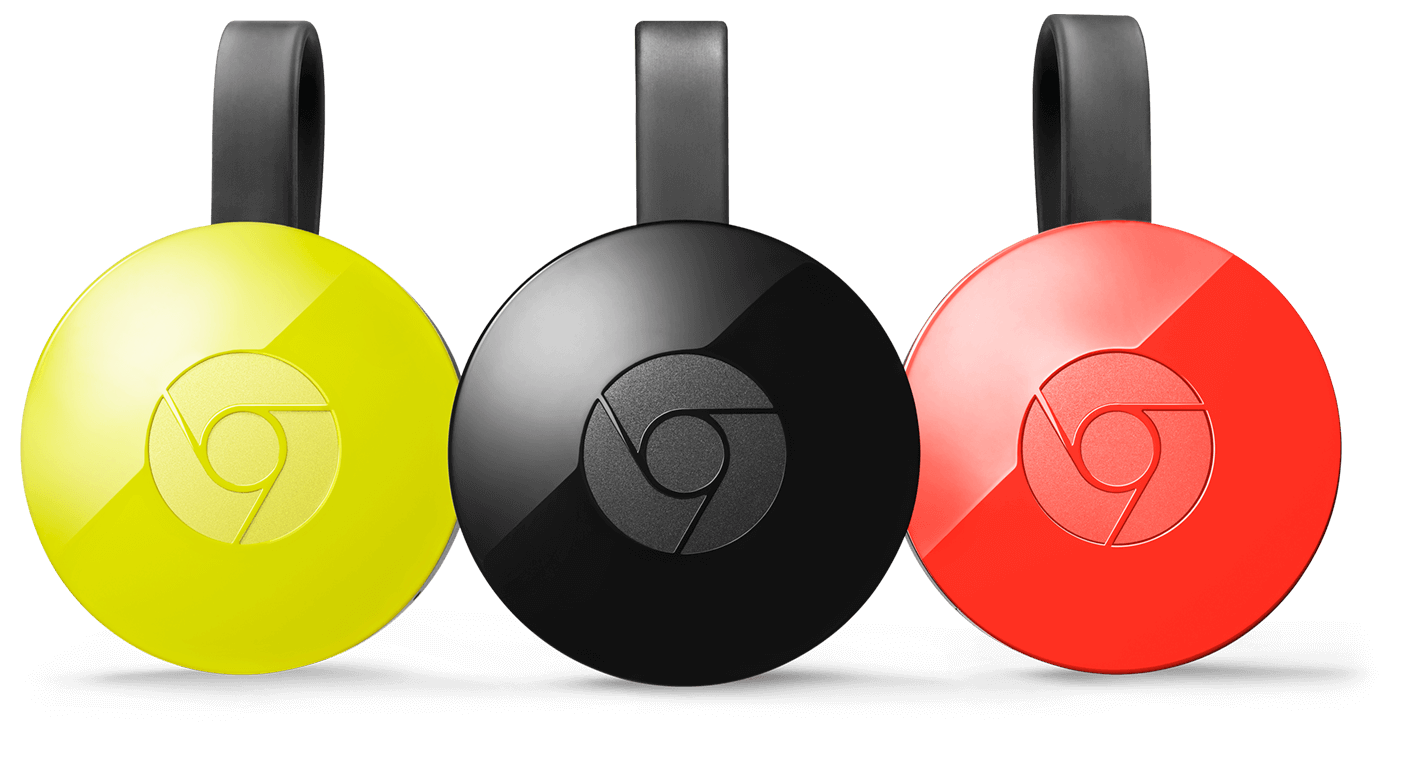
Cast the entertainment you love from your favorite device to your HDTV. Chromecast works with iPhone®, iPad®, or Android devices, plus Chromebook, Mac®, and Windows® laptops.
Your phone is your remote
Just tap the Cast button in mobile apps and websites you already use to start casting right to your TV. Use your phone, tablet, or laptop to play, pause, and adjust the volume — all without draining your battery.

Unlimited entertainment on a big screen
Chromecast works with the apps you love, like Netflix,YouTube, Google Play, and thousands more. Choose from over 200,000 movies and TV shows, 30 million songs, sports events, and games.

Mirror your Android phone or Chrome browser
See anything on your Android phone or tablet on your TV, or use your laptop to cast any website from the Chrome browser. If it’s online, you can cast it.
/cdn0.vox-cdn.com/uploads/chorus_asset/file/4105338/Hi_Res_Chromecast_Family.0.jpg)
Smooth, steady streaming
Chromecast keeps video resolution high and buffering low with 2.4/5GHz WiFi support and a built-in adaptive antenna system. And because your content is streamed straight from the cloud, your movies and TV shows play without interruption, even if you and your phone leave the room.
Thousands of compatible apps
There's entertainment for everyone – TV shows, movies, music and more. And we're adding more Google Cast Ready apps all the time.

Requirements:
- TV with an HDMI port
- Wi-Fi network
- Wi-Fi enabled supported device
What's in the box
- Chromecast
- USB power cable
- Power adapter (Alternatively, Chromecast can be powered from TV's USB port)

What is Chromecast Audio?
Chromecast Audio is a small device that plugs into your speaker for streaming music through WiFi. Once set up, simply use your iPhone®, iPad®, Android phone and tablet, Mac® and Windows® laptop, or Chromebook to cast your favorite tunes to the best speakers in the house.
Google Chromecast Audio: Stream your favorite music with Google Chromecast Audio. Simply plug into your speaker's auxiliary input and connect to your Wi-Fi network. Then just tap the Cast button from your favorite apps on your phone, tablet or computer to cast songs, radio stations and podcasts to your speaker.
Cast your favorite tunes from your phone to speakers in the home.
Optional Accessories: Ethernet Adaptor for Chromecast

Connect with Ethernet
This optional accessory lets you connect your Chromecast and Chromecast, 1st Generation directly to your router to create a fast and reliable connection for your Chromecast.
Easy to install
Connect the included USB cable to the Chromecast, run an Ethernet cable from the router to the power supply and plug in.
