Item Descriptions:
Characteristic:
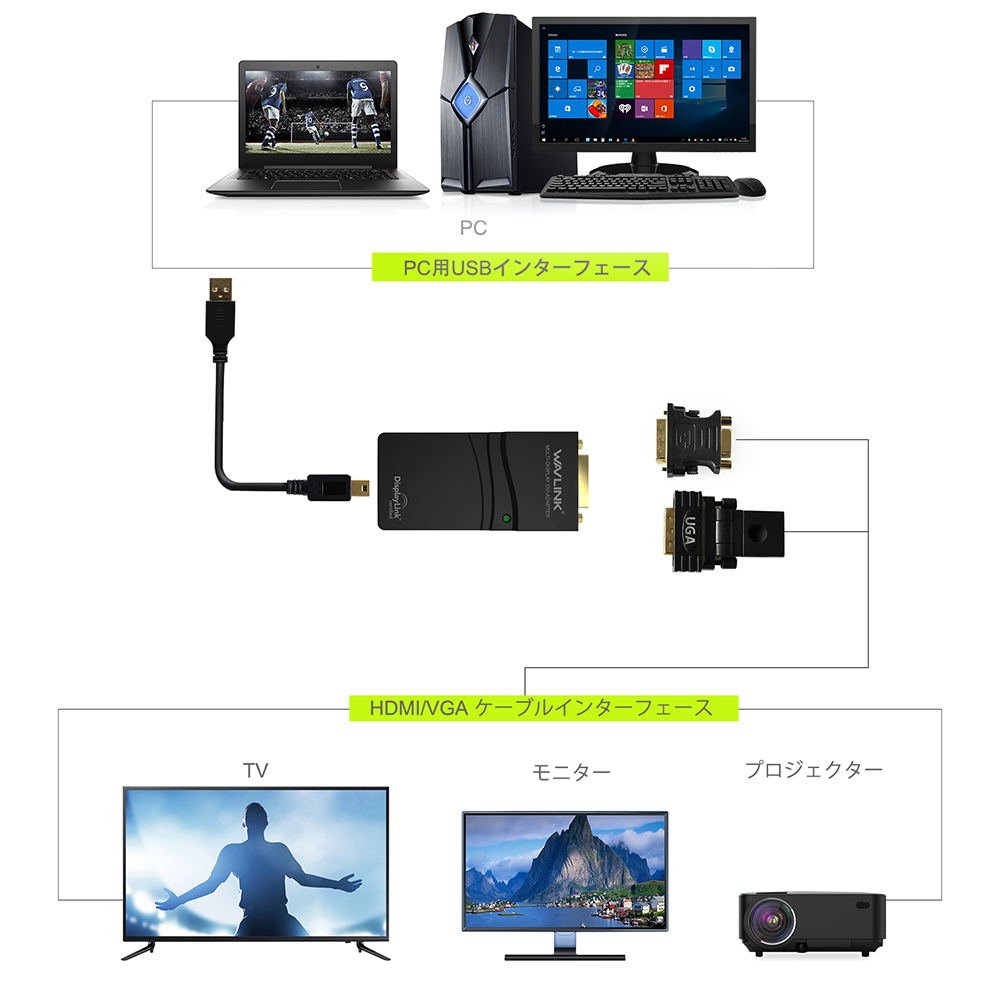
Use the USB cable to easily connect the additional monitor.
Connect to the plug and play to HDMI, DVI display.
Mirror or extend computer display workspace
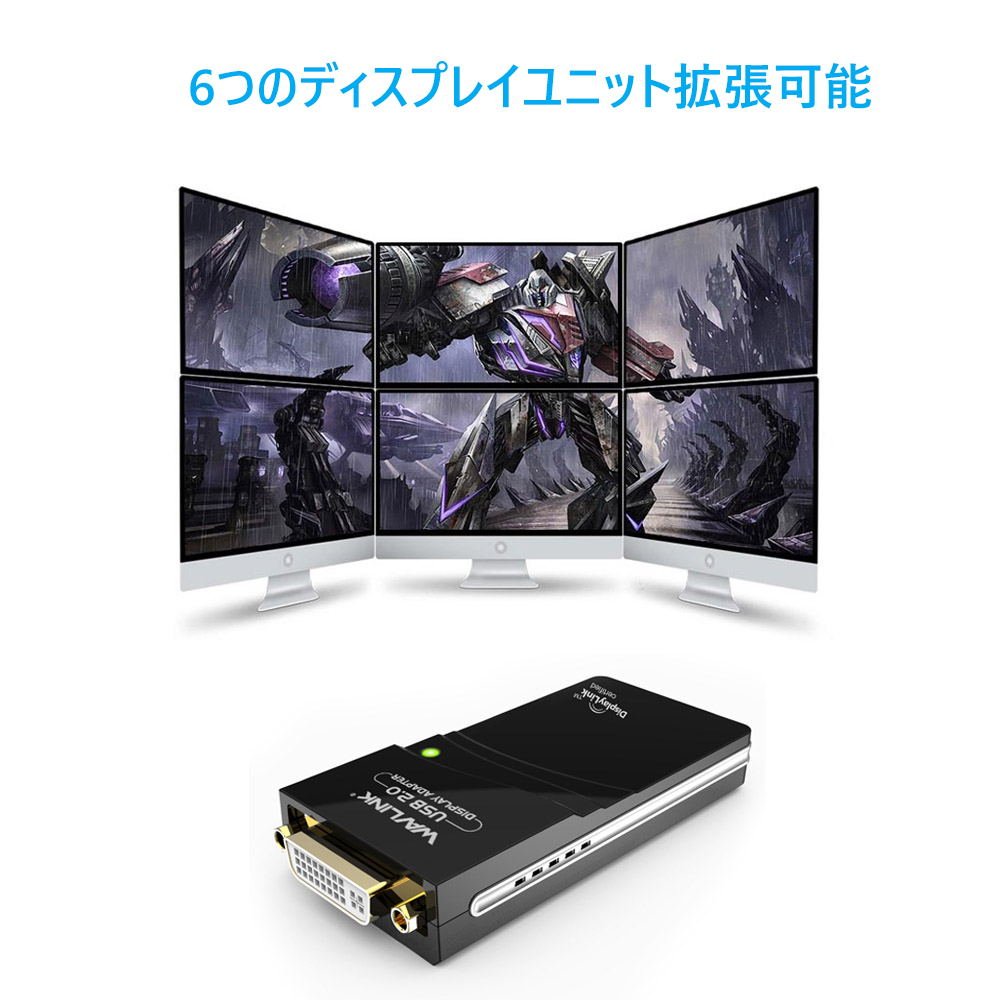
You can connect six displays of a desktop computer or notebook without adding a graphics card.
It supports resolution up to 2K which displays 1920 x 1080 pixels with 32K color.
It is compatible with USB 2.0 1.1.
Self power (no extra power)
specification:
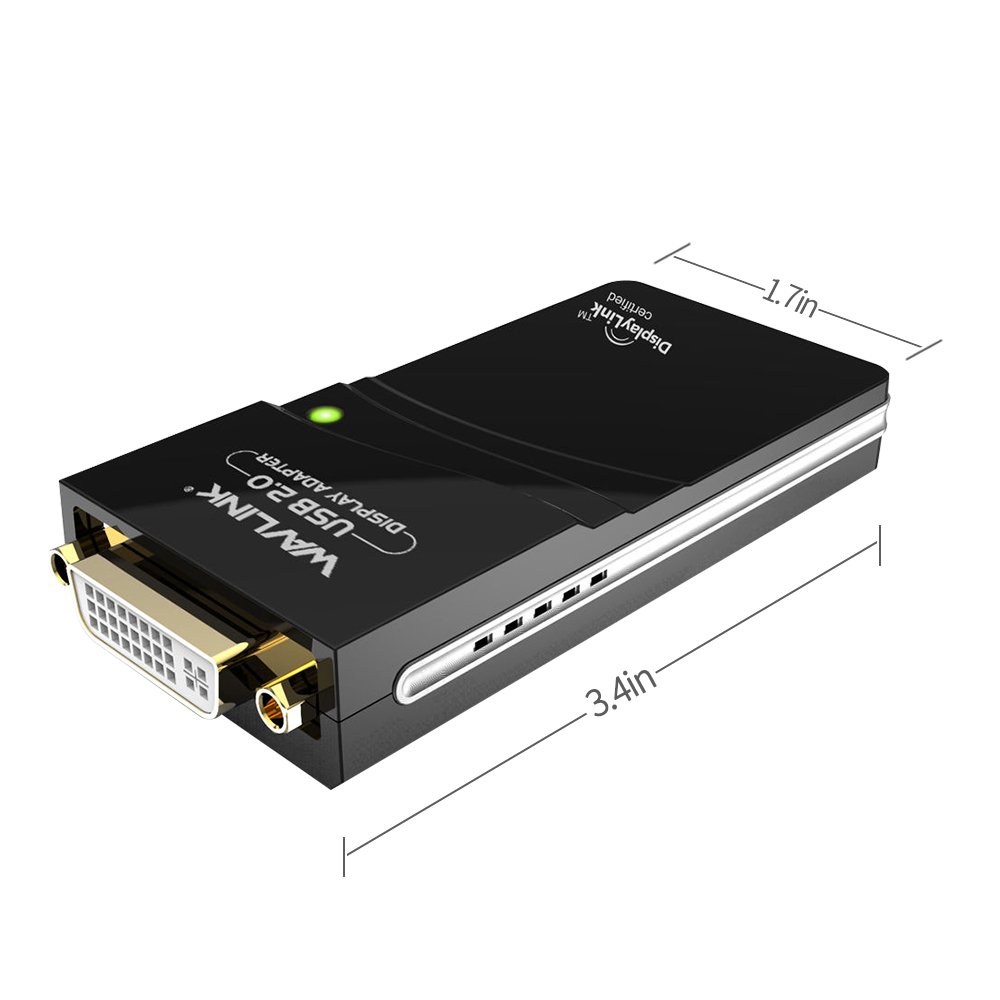
Port: DVI USB 2.0
LED: Blue
Chipset: DL 165
Flash: 8MB
Power consumption: 1 W
Work standard: USB 2.0 480 Mbps DVI video HDMI (DVI To HDMI adapter) VGA (DVI To VGA adapter)
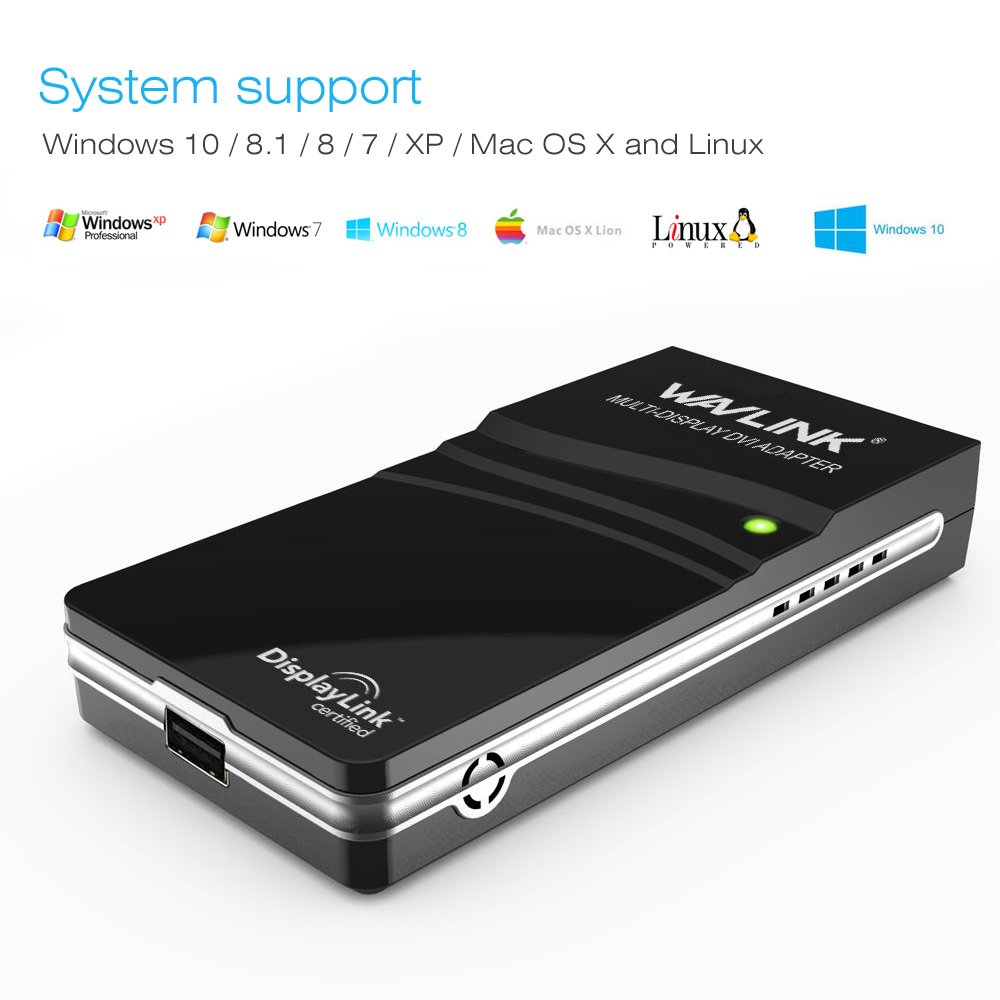
Operating system support: Linux on Windows Vista / 7/8 / 8.1, Mac OS 10.2 or later
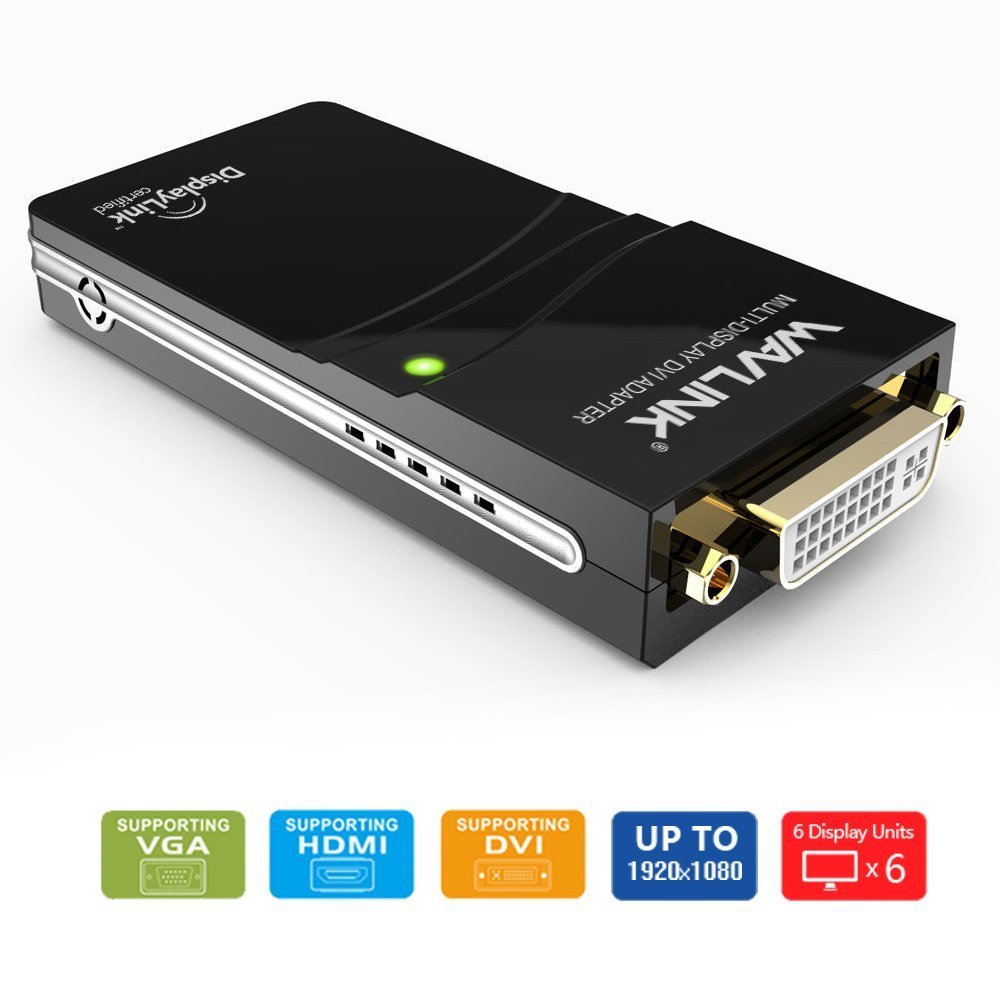
Maximum resolution: 1920 x 1080
Product size: 90 * 50 * 18 MM (L x W x H)
Weight: 30 g
Drop test: 1 meter
Cycle work: 24H
System requirements
Processor: 2.0 Ghz Core 2 Duo or more
RAM: 1 GB
Recommended requirements (full screen video)
Processor: Core i 3 or i 5 2 + GHz
RAM: 2 GB
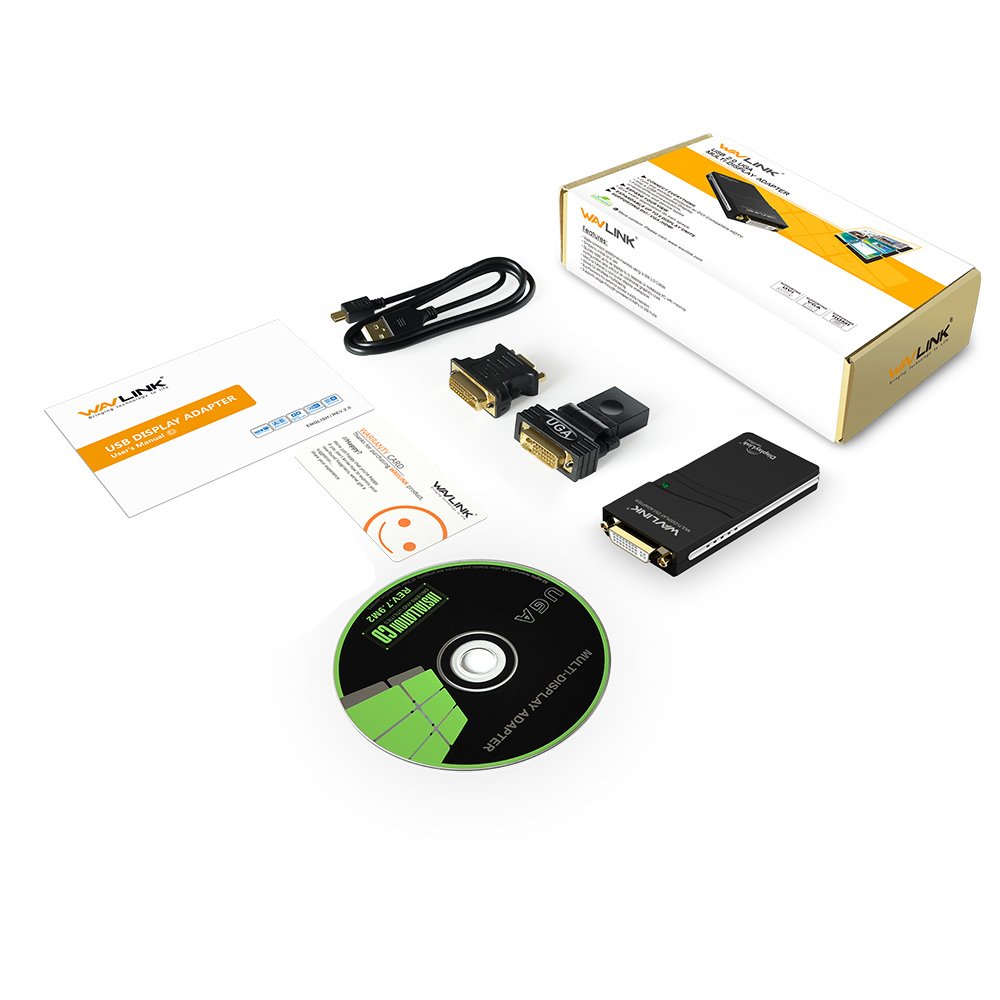
Packing content
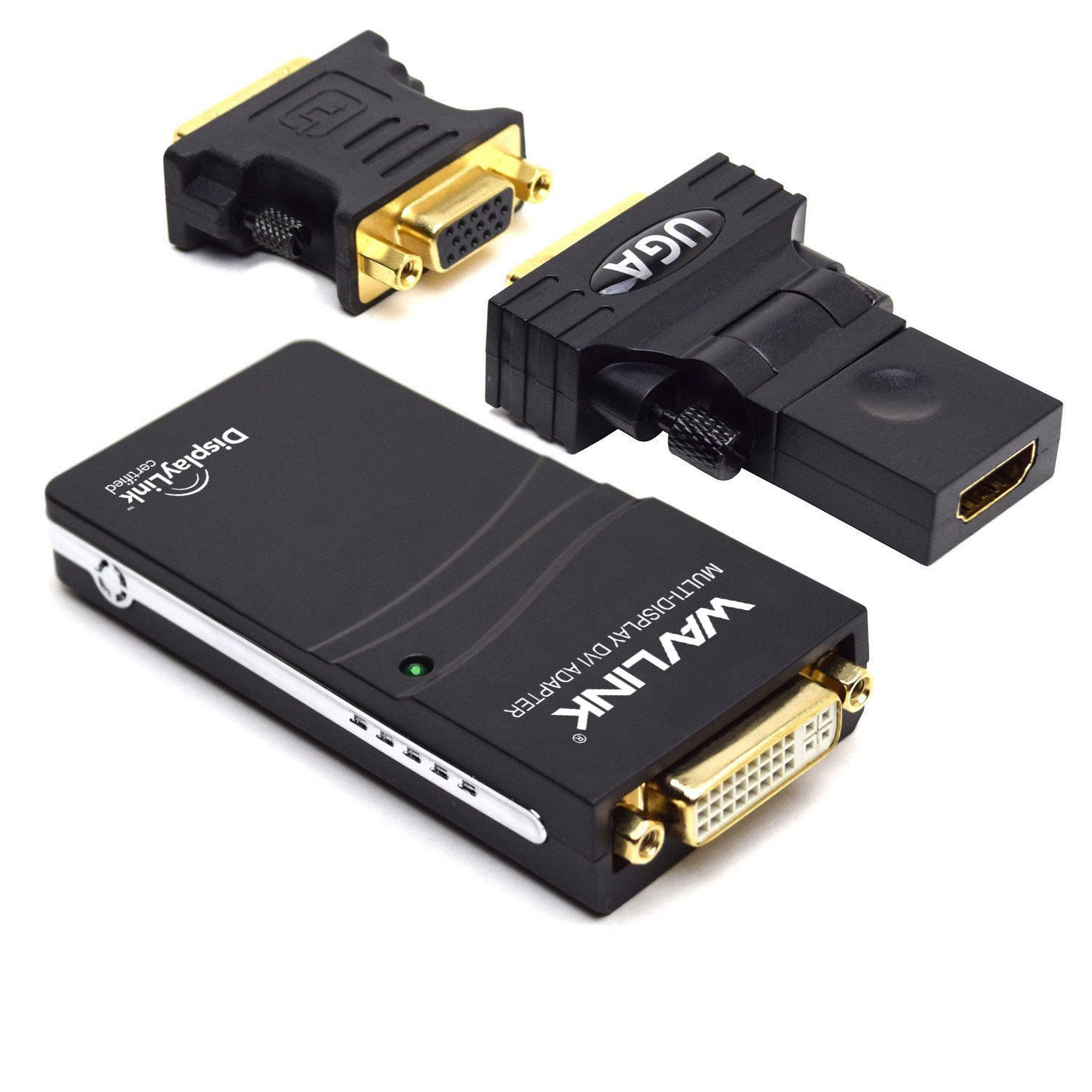
1 x Display adapter
1 x DVI to convert to VGA adapter
1 x DVI to convert to HDMI adapter
1 x USB cable
1 x Owner's Manual
1 x Driver CD
Features:
- Please enter model number Confirm this is compatible:
- It adopts DisplayLink's DL-165 chipset and supports up to 1920 x 1080 resolution.
- Through the USB port, you can connect 6 external monitors to a laptop or desktop PC.
- You can use a monitor or projector with VGA, DVI or HDMI port to extend the screen area.
- Windows 10 / 8.1 / 8/7 / XP / Mac OS X / Linux is supported.
- The necessary drivers are available from Windows Update, download from the website, or CD-ROM.
Product information:
Shipping Weight: 299 g
Package Dimensions: 6.20 x 14.50 x 20.90 cm
Customer reviews from Japan:
 It is good, is not it?
This is the environment of MacBook Pro (13-inch, Late 2011), memory 4G, i5. There was no problem at all, it quickly became a multi-screen. I flew from pre-bundled CD to HP and downloaded the latest drivers, was it necessary? But I did not think that it would be possible to make this multi easily. In general, things of this kind are hard or soft, it ends with being incompatible with consequences. But I am overjoyed because it got crisp this time. The difficulty is not in this hard but I think there is a problem of weak processing capacity of my MacBook main body. Since the input port is also USB 2.0, even typing will cause a time lag. Impatient people are likely to lead to mistyping. When the display was made externally attached to 2, it became 3 display together with the main body. I do not need three, but it may be convenient depending on the person and circumstances. If you close the MacBook and connect an external keyboard, you can easily set up two large display environments. it's recommended. I got a question so I asked, but the seller Wavlink's service was also good. Thank you very much, thank you for borrowing this place. (It is not Yarase W)
Screen synchronization is difficult, but screen rotation is convenient
Driver installation starts automatically and it is not recognized by smooth graphic property because it is automatically installed Caution It is good to note that the rug comes out slightly depending on the place where USB is attached, so people who are worried should try replacing the environment Environment notebook, 2010 Used VersaPro windows 10 Memory 4 G corei 5 USB 2.0 When you play a movie on the screen you are using it, the CPU usage rate will increase by about 10% Additionally, the 60 FPS movie will be delayed or the line will be inserted Other than that, no problem at all
 I was able to use it normally
Purchased to connect with an external display with Windows Tablet PC (Lenovo Yoga 851F converted to Win10) which has only one USB-B port. I was worried about some drawing delay and flicker when using the MS's wireless display adapter 2, so I selected this wired product. It was uneasy because it was the first time to buy products of this kind, because it was just after the start of sale, because there was no other review, but I could use it with all the attached DVI, RGB and HDMI connectors without problem. Win10 tablet does not recognize just by just inserting it, driver installation is necessary (CD and English manual attached). As written in the product description, is the chipset high end? Because it is a level that draws latency almost unconcerned. I do not understand goods of this hand Some manufacturers seem suspicious from the view of the product, but I think that looking at product packaging and accessories, the making of the real thing is quite a decent quality product. However, because Toshiba 's Win7 notebook PC owned by his family does not support graphics boards, it was not possible to use ☆ 4. Even before purchasing, when trying and installing the graphic adapter driver distributed on the DisplayLink site, an error message will be displayed if there is no corresponding PC in hand, so by doing this, It seems that it can be hit.
Can be used without problems
I am using a laptop computer at the moment, but I purchased this because the screen was too small. I am doing net search while watching videos while connecting to the TV until I purchase a display, but I can use it without lag etc. Once I checked the instructions, I was worried about detailed settings etc in English, but I was able to use it without trouble connecting the cable. It seems that CD is not necessary for the current usage. I am looking forward to seeing movies etc on a big screen by connecting to a projector at home. I like the price at a low price.
No compact recognition problem than I expected
It was more compact than I expected. Design, it was pretty nice. It was difficult to recognize it by connecting it before installing the driver with the attached CD. Although I went to HP, there was only English page, driver downloading did not come out in one shot, I could not do well with the old Linux download style. After all, I was able to install the driver from the CD, such as restarting the PC, it was good. First of all, let's install the driver with the included CD. I joined two at DELL 660S. I recognized both of them without problems. Total 4 screens, no problem. If this quality at this price, I think that it is buying. We are going to purchase another one for the workplace.
Instructions in English ,,,
The manual fought hard in English. Well well in English, I will manage to do something, buying it cheap. I could finally check the operation after half a day. I will explain what was struggling. My PC environment is Win10 Desktop with 2 monitors with DVI. So, I attempted to install a third monitor using this product, but the monitor does not turn on. It is recognized by PC. I did not do it for half a day from then, I was trying to become a neurosis but found the cause on a certain site. Does not seem to add three DVIs? And it was attached to the HDMI cable of the included adapter adapter and the Assassie screen was attached. Since it is not very detailed, I had a hard time, but please try it as a reference.
SHIPPING METHOD
Delivered directly from Japan by Japan Post. It will take 3 to 5 business days to prepare the order for shipping. We guarantee careful packing and safe shipping.Please note that in some cases additional import or VAT charges may incur and have to be borne by the client.
1. Japanpost registered mail
Shipment by Japanpost Registered Mail (Standard). Trackable any time with tracking number. Insurance is not available. Delivery time usually is between 1-3 weeks from the date of dispatch. Some items are not eligible for Standard Shipping.
2. Qxpress Standard
Shipment by Qxpress standard service. Trackable at any time with tracking number. Registered and insured up to a value of item price and shipping fees.Delivery time is usually between 5-10 business days from the date of dispatch.
3. EMS
Shipment by Expedited Mail Service. Trackable at any time with tracking number. Registered and insured up to a value of $200 and usually delivered in 2-6 business day from the date of dispatch.

| Japanpost registered mail | Qexpress | EMS | |
|---|---|---|---|
| Shipping Method | Japanpost Registered Mail (Standard) | Standard Qexpress | EMS (Expedited Mail Service) |
| Trackable | Yes | Yes | Yes |
| Insured | N/A | Yes (Up to item price and shipping fees) | Yes (Up to $200.00) |
| Asia | 1-3 weeks | 5-10 days | 2-5 days |
| Oceania; North America; Central America and the Middle East | 2-4 weeks | 6-14 days | 2-6 days |
| Europe | 2-4 weeks | 6-16 days | 3-8 days |
| South America and Africa | 2-4 weeks | 10-18 days | 4-8 days |
NOTICE:
- For overseas delivery, please be aware that damage to the outer box can be seen.
- If you would like to avoid as much damage as possible, please choose the EMS shipping method.
"According to Qoo10 guide line,overseas shipping fees will be charged to you extra if you choose Qxpress standard shipping.We recommend you to compare the total price of your purchase with EMS."
