Item Descriptions:
color:
black
3 in 1:
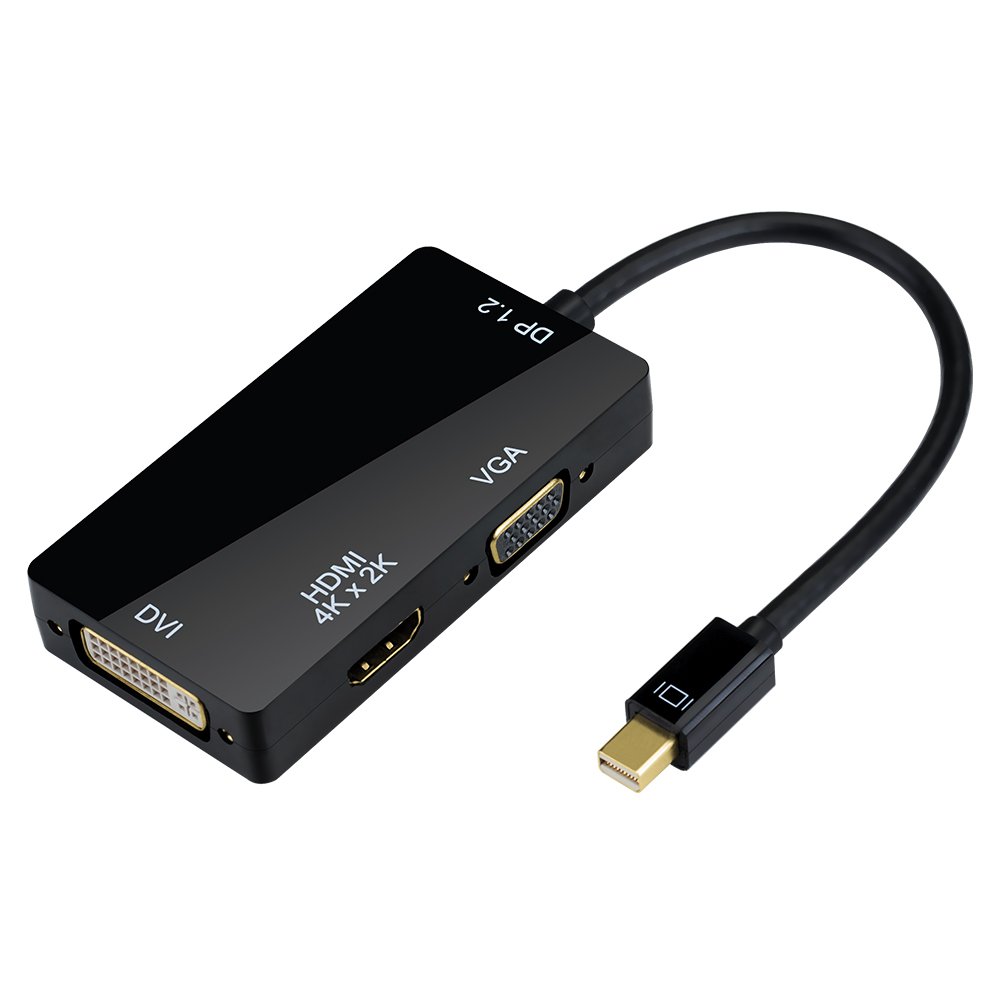
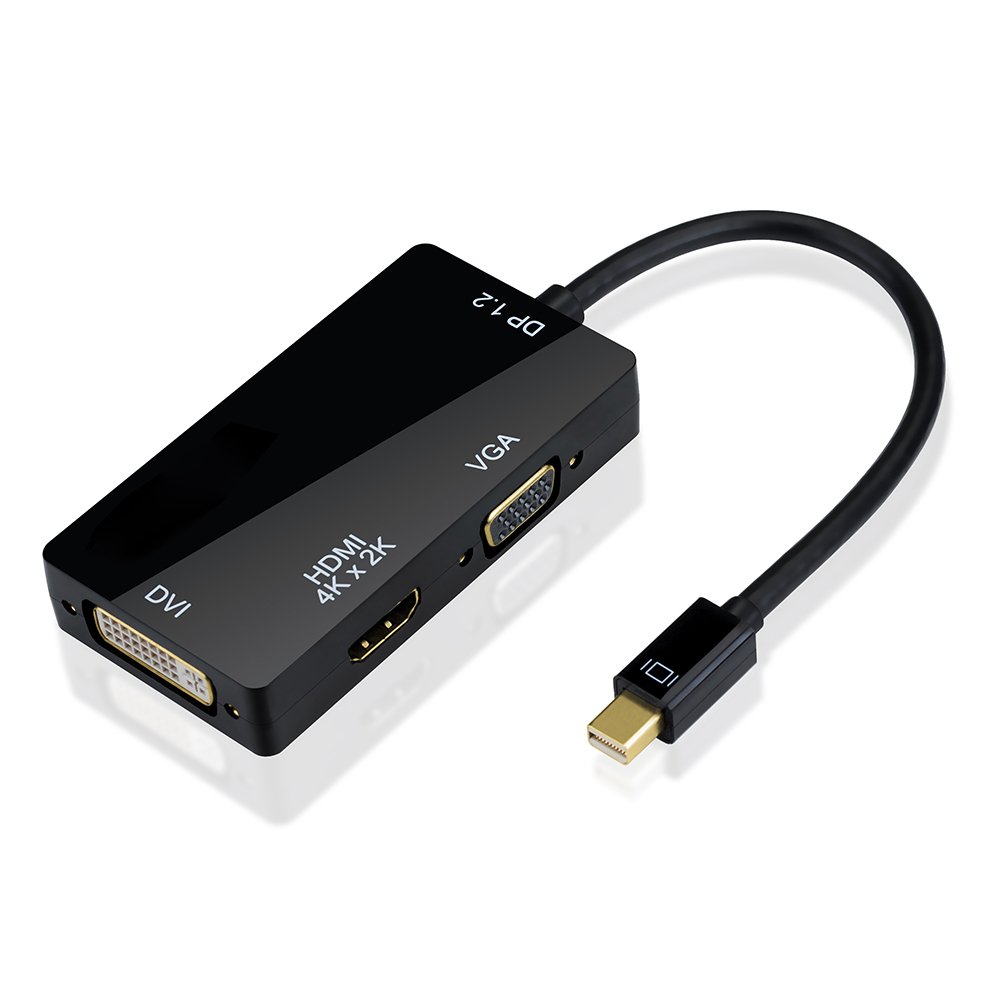
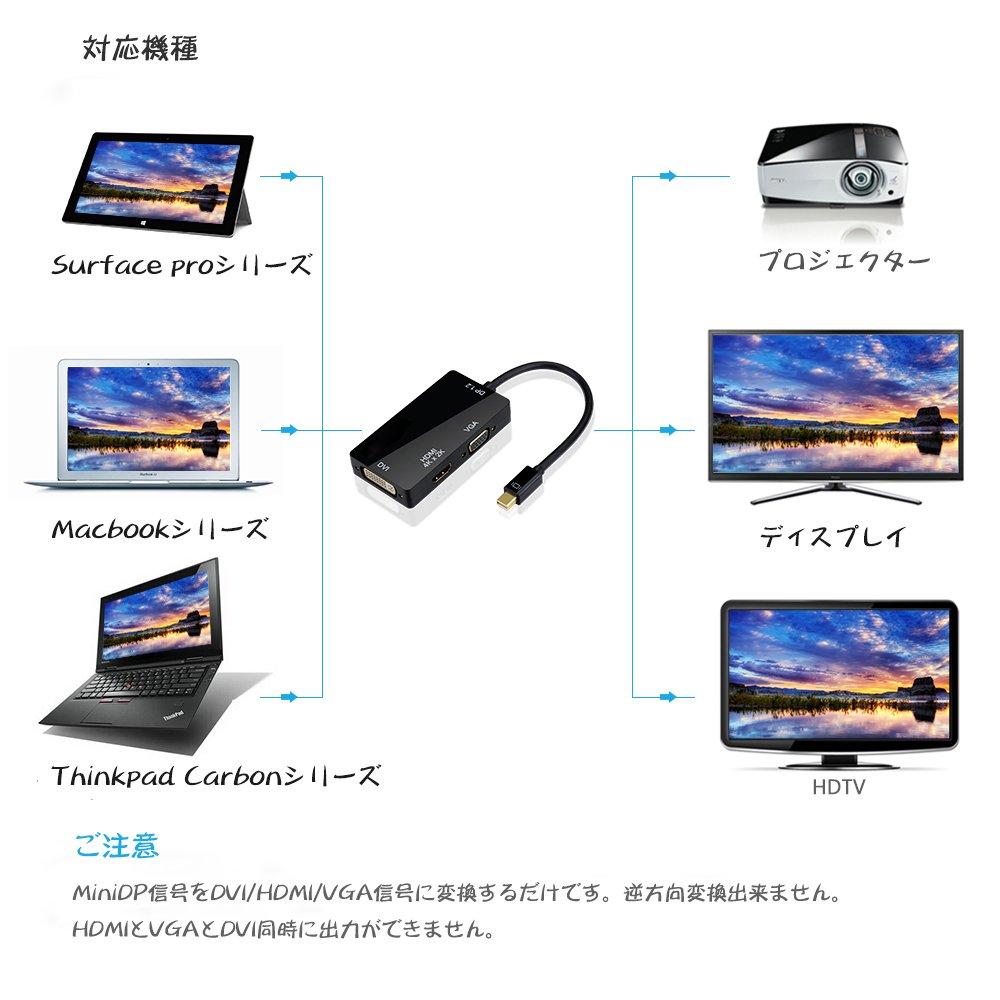
This adapter converts Mini DisplayPort (MiniDP / MDP) signal to DVI / HDMI / VGA signal.
You can enjoy large screen shows, movies and PPT by connecting to HDTV, monitor, projector, LCD display etc. with DVI and HDMI or VGA port.
Easy to use:
Plug and play, easy to use, external power supply is unnecessary.
Lightweight and portable design makes storage and storage very convenient.
The tread which was designed based on ergonomics is adopted, and the cable can be easily inserted / removed.
It is ideal for classrooms, conference rooms, offices, home entertainment, exhibitions, etc.
High resolution:
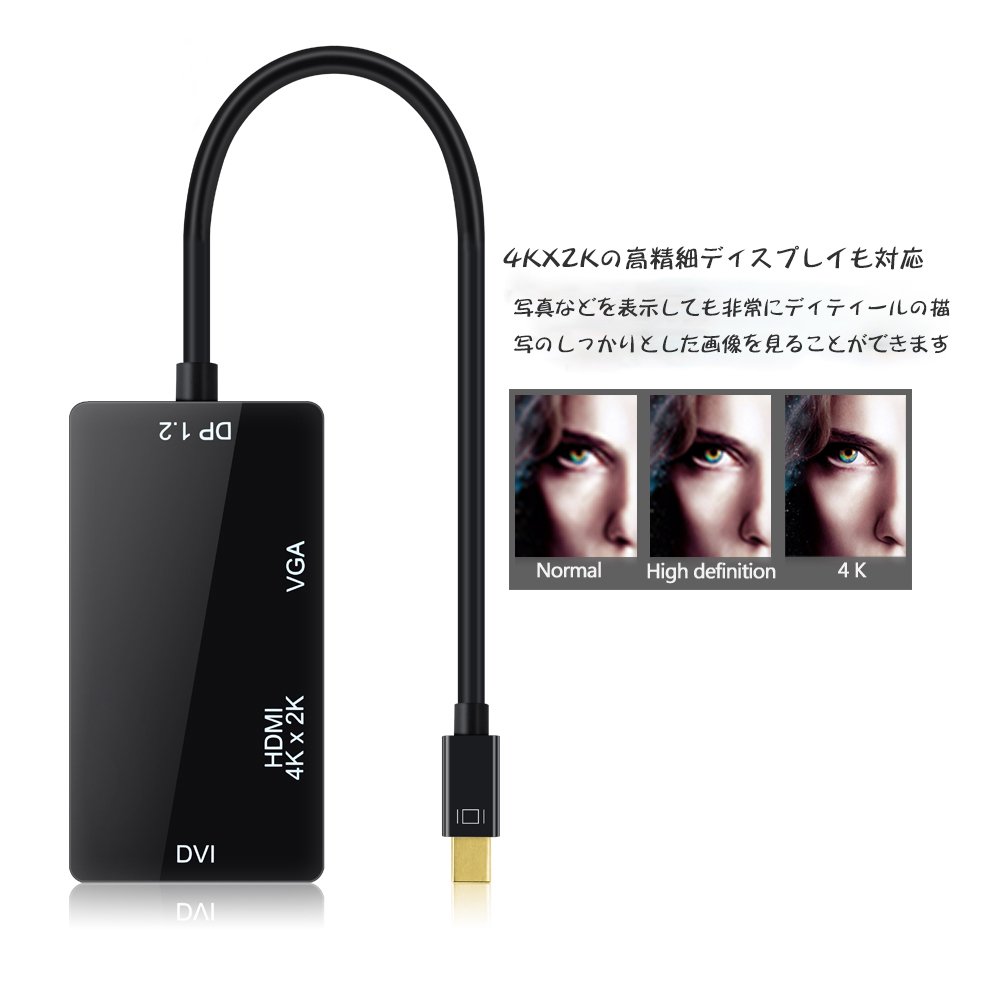
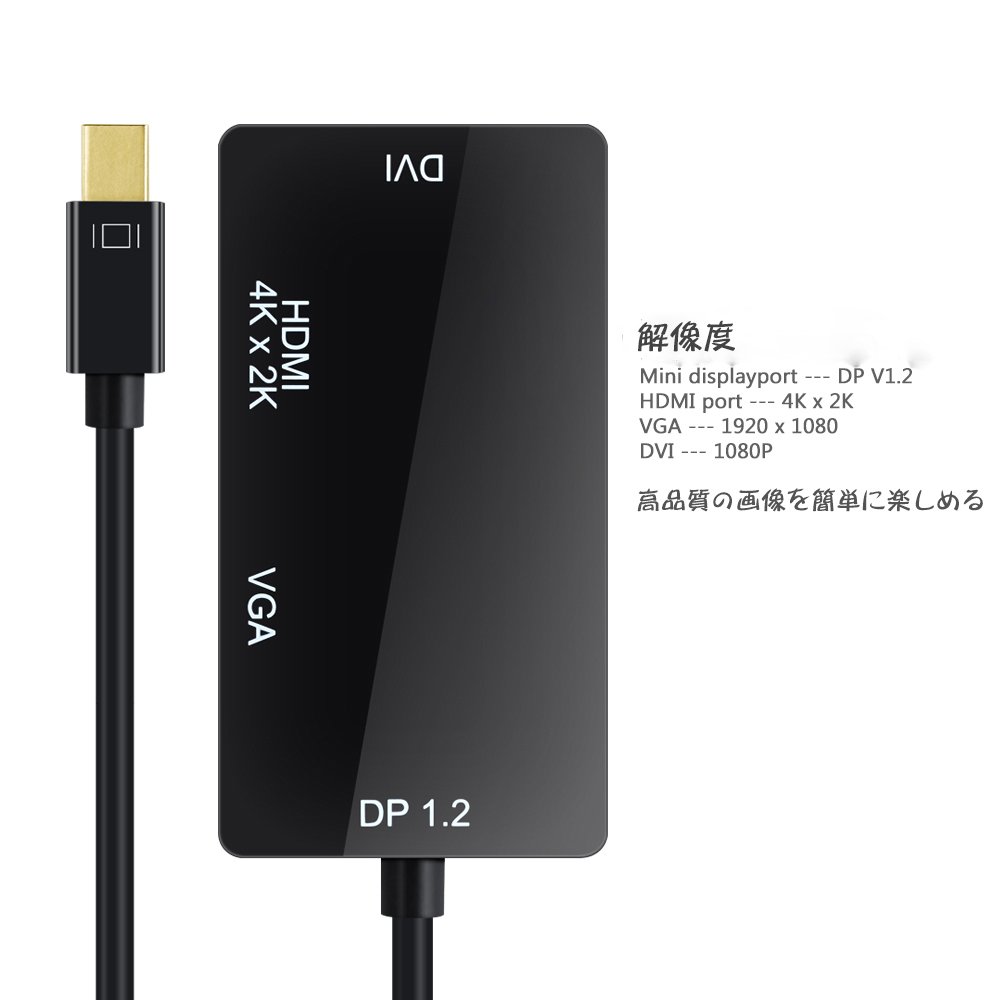
It corresponds to the output of full HD4K X2K.
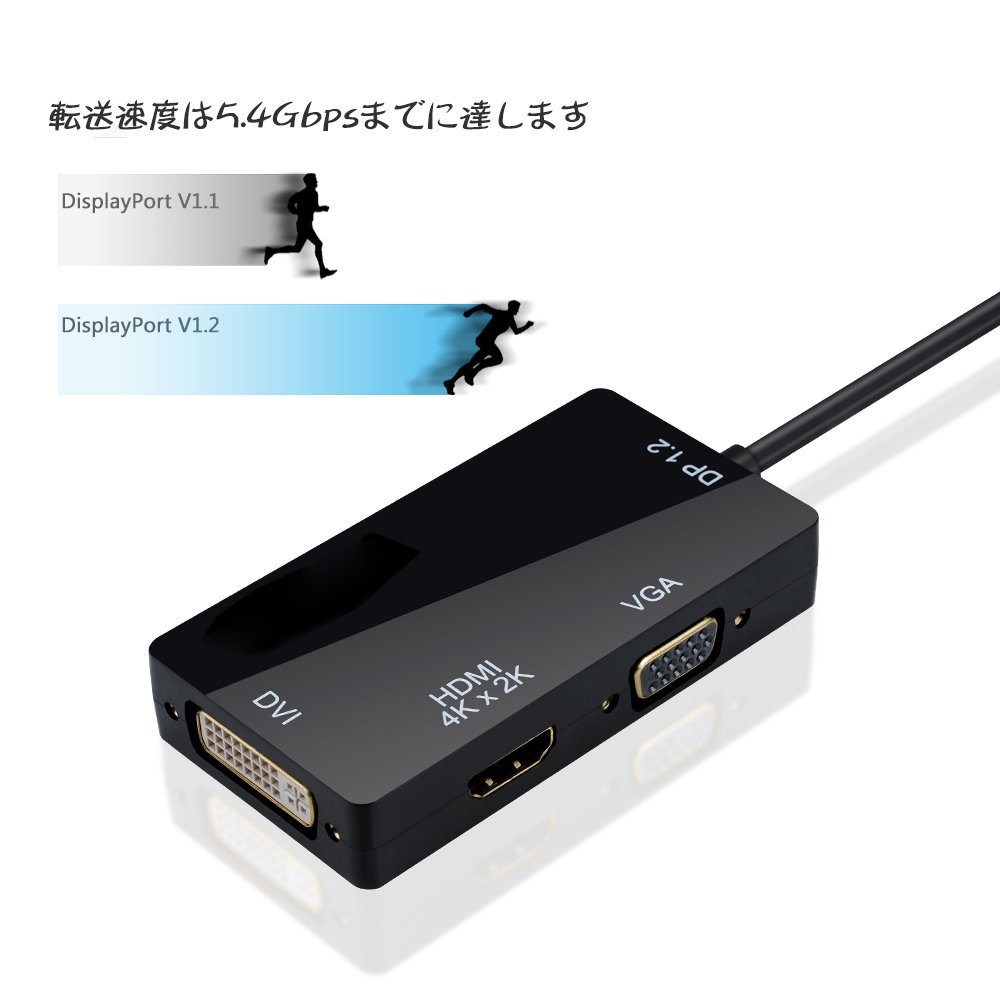
The mini DP version is V1.2 and the transfer rate reaches 5.4 Gbps.
DP V1.1 is also supported.
You can project macros and other source device signals (eg show, movie, PPT) on a stable, high definition television, projector-like display.
Compatible models:
It can support devices with MinDisplayport / Thunderbolt Port, such as Apple MacBook, MacBook Pro, MacBook Air, iMac, Mac mini, Mac Pro, Microsoft Surface Pro / Pro 2 / Pro 3 for Windows 8 Pro, Lenovo ThinkPad X1 Carbon.
It can be connected to an external display with HDMI / VGA / DVI terminal, analog monitor, projector, liquid crystal display and so on.
specification:
Output video: HDMI / DVI / VGA
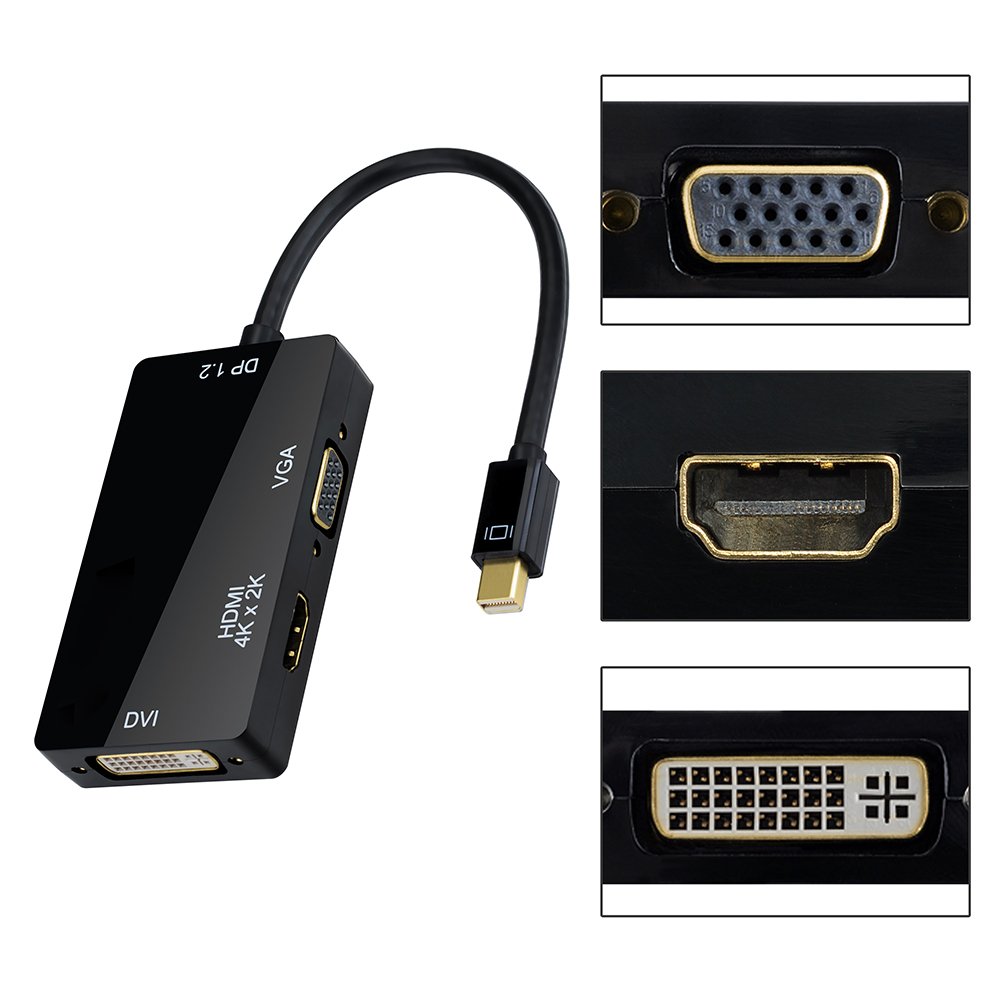
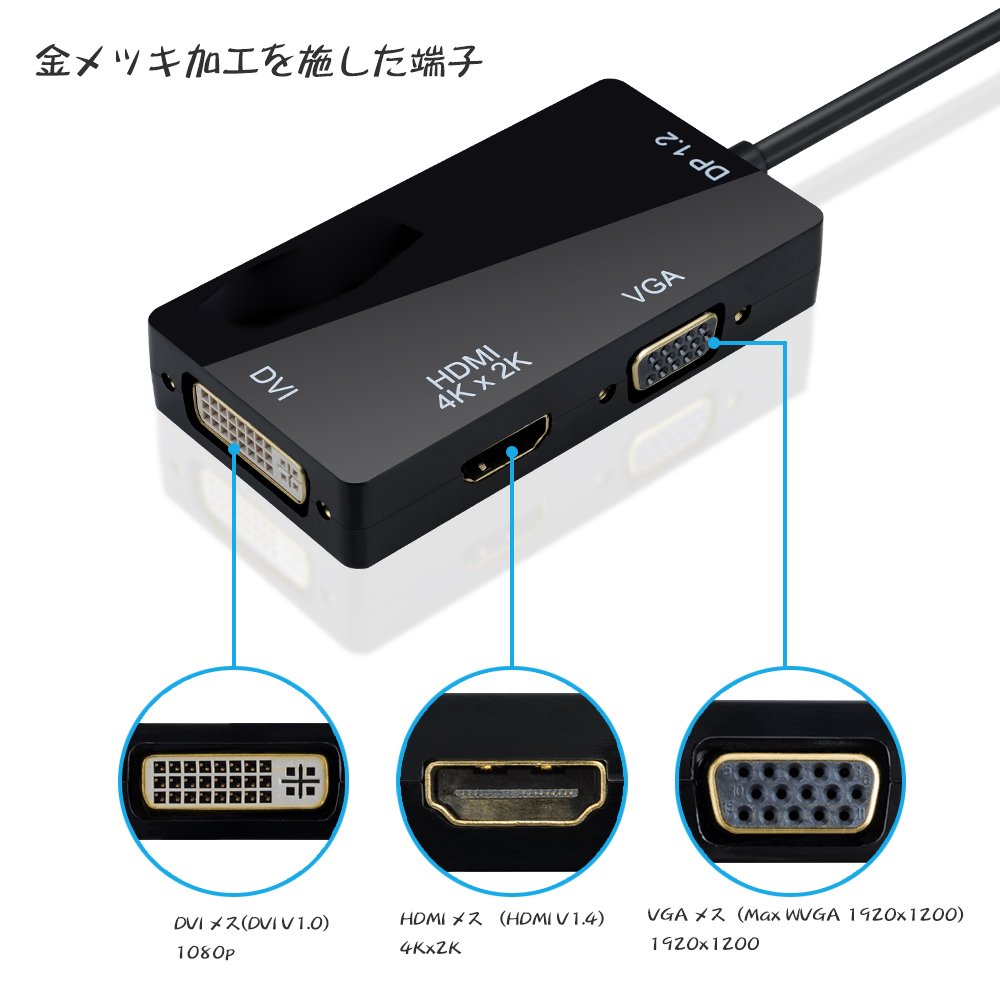
Input: Miniport male 20 pin
Output: HDMI female 19 pin
Connector: DVI female (24 + 1) VGA female 15 pin
Video amplifier bandwidth: 5.4 Gbps
resolution:
HDMI pot: 4K X2K, 1080p, 720p, HDMI Audio
DVI pot: 1080p, 720p
VGA pot: 1920 × 1200, 1920 × 1080, 1024 × 768
Notes
It only converts the Mini DisplayPort (MiniDP) signal to DVI / HDMI / VGA signal.
Reverse direction conversion is not possible.
HDMI, VGA and DVI can not output at the same time.
Audio can not be output from VGA and DVI.
The Mac before 2010 will not support audio output.
Please make sure that TV and display will serve 4K X2K resolution before projecting 4K X2K movies.
Features:
- Please enter model number Confirm this is compatible:
- 3 in 1: Adapter that converts Mini DisplayPort (MiniDP) signal to DVI / HDMI / VGA signal.
- You can enjoy large screen shows, movies and PPT by connecting to HDTV, monitor, projector, LCD display etc. with DVI and HDMI or VGA port.
- Easy to use: Plug and play, easy to use, external power supply is unnecessary.
- Lightweight and portable design makes storage and storage very convenient.
- The tread which was designed based on ergonomics is adopted, and the cable can be easily inserted / removed.
- High resolution: It corresponds to the output of full HD4K X2K.
- The mini DP version is V1.2 and the transfer rate reaches 5.4 Gbps.
- DP V1.1 is also supported.
- Compatible models: Compatible with devices such as Apple MacBook, MacBook Pro, MacBook Air, iMac, Mac mini, Mac Pro, Microsoft Surface Pro / Pro 2 / Pro 3 for Windows 8 Pro, Lenovo ThinkPad X1 Carbon.
- Warranty: One year warranty is attached.
- Customer support
Product information:
Shipping Weight: 49 g
Package Dimensions: 1.60 x 11.00 x 17.91 cm
Customer reviews from Japan:
 Presentation on Mac Book Air
There are opportunities for presentation and presentation from time to time, but the terminals of the projector and display are different for each place. With this product, it corresponds to VGA, DVI, HDMI and three terminals, so if there is only this one it is OK. I bought a variety of conversion cables for Mac, but I changed this one. It is a good cost performance product. I want a USB Type-c version for the new Mac Book Pro
ThinkPad X260 was successfully used.
I bought it to utilize the miniDP terminal of the ThinkPad. In addition to digital output of DVI and HDMI, there is also D-sub output, which can be used with various devices. Even in the scene where image output suddenly became necessary by being lurked in the bag, it is not a problem. Moreover, there is also a sense of security because all terminals are gold-plated. I can not feel any fever. There is no video delay, etc., you can use it without consciousness of the adapter normally.
Operation confirmation with Windows 10 / Surface Pro 4
I checked the operation with Windows 10 / Surface Pro 4. It is good to reduce the number of carrying things, because various connection methods can be covered with this adapter.
 It is OK if you are cheap
I use it to connect MacBook Air to a projector or TV, but I can use it normally without problems. I think that COSPA is expensive at the price which can purchase extra by any chance.
Very saved
The origin of genuine goods is high and it is saved very much that it was possible to cooperate with one which had to arrange one by one high. I have been using Macbook Air for several months, but so far no trouble has occurred.
People who go to customers on the surface by all means
I converted it from surface to HDMI and bought it for projector projection. Somewhat large size, it may not be suitable for movement accompanied by moving with cables connected. (The cable did not come off) Even in the case where the customer's projector is old and not compatible with HDMI, it is safe because the conversion of the DVI terminal is also attached.
It was cheap and good product.
It will connect without moving with animation. Initially it was hard to place the HDMI cable, but it felt nice to use while using it. It was cheap and good product.
Disabled in 5 months
I used it on MacBook Pro. Although I was able to use it without any problem at first, I have become inaccurate because my contact has become strange in the last 5 months. I'm sorry. I am satisfied with the correspondence which contacted the customer center and sent the new item immediately.
SHIPPING METHOD
Delivered directly from Japan by Japan Post. It will take 3 to 5 business days to prepare the order for shipping. We guarantee careful packing and safe shipping.Please note that in some cases additional import or VAT charges may incur and have to be borne by the client.
1. Japanpost registered mail
Shipment by Japanpost Registered Mail (Standard). Trackable any time with tracking number. Insurance is not available. Delivery time usually is between 1-3 weeks from the date of dispatch. Some items are not eligible for Standard Shipping.
2. Qxpress Standard
Shipment by Qxpress standard service. Trackable at any time with tracking number. Registered and insured up to a value of item price and shipping fees.Delivery time is usually between 5-10 business days from the date of dispatch.
3. EMS
Shipment by Expedited Mail Service. Trackable at any time with tracking number. Registered and insured up to a value of $200 and usually delivered in 2-6 business day from the date of dispatch.

| Japanpost registered mail | Qexpress | EMS | |
|---|---|---|---|
| Shipping Method | Japanpost Registered Mail (Standard) | Standard Qexpress | EMS (Expedited Mail Service) |
| Trackable | Yes | Yes | Yes |
| Insured | N/A | Yes (Up to item price and shipping fees) | Yes (Up to $200.00) |
| Asia | 1-3 weeks | 5-10 days | 2-5 days |
| Oceania; North America; Central America and the Middle East | 2-4 weeks | 6-14 days | 2-6 days |
| Europe | 2-4 weeks | 6-16 days | 3-8 days |
| South America and Africa | 2-4 weeks | 10-18 days | 4-8 days |
NOTICE:
- For overseas delivery, please be aware that damage to the outer box can be seen.
- If you would like to avoid as much damage as possible, please choose the EMS shipping method.
"According to Qoo10 guide line,overseas shipping fees will be charged to you extra if you choose Qxpress standard shipping.We recommend you to compare the total price of your purchase with EMS."
