
设备功能:
1、将老磁带上的音乐或英语听力,转换成MP3。放心,再也不会丢...
(直接用数据线传输进电脑里,不会有环境噪音,跟磁带原声一样棒。)
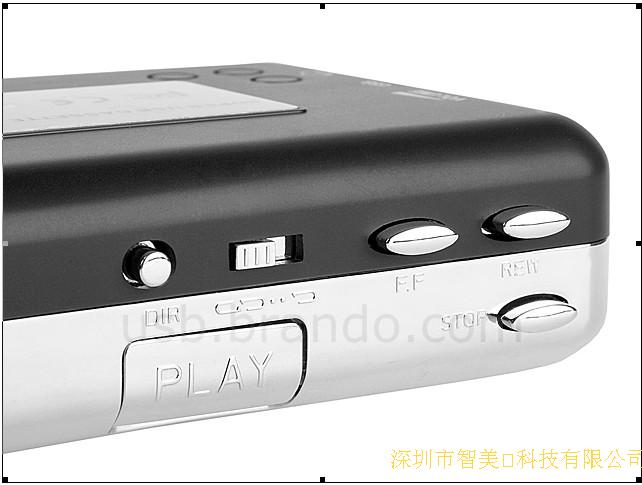
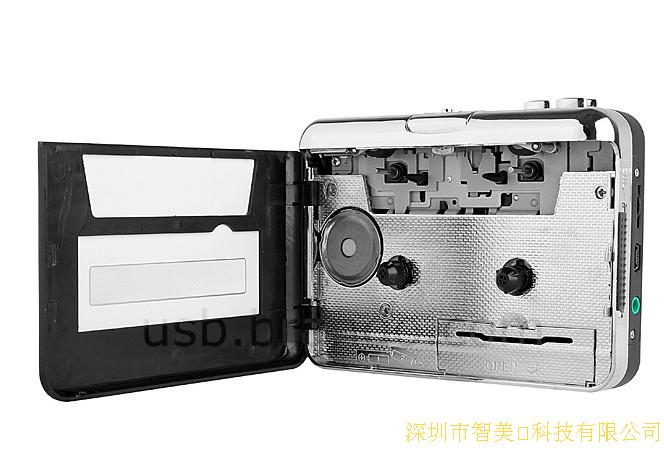
2、也可以用来听磁带,但是要戴耳机(因为没有喇叭,但标配有一个高音质耳机)
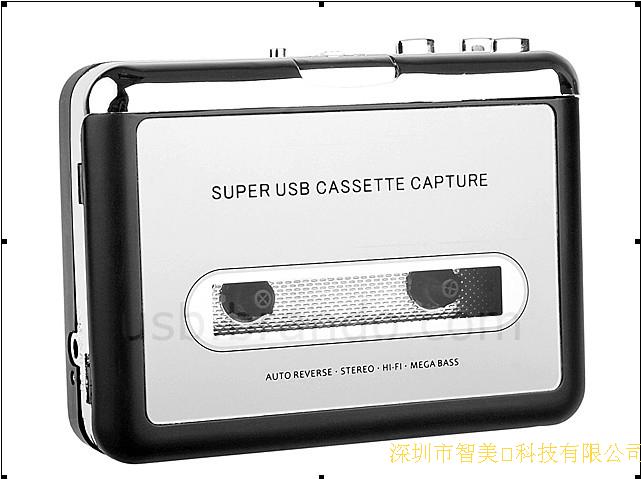
老磁带一直不舍得扔,可又想丢到过时的随身听?现在有这种想法的朋友们有福啦!磁带转换器诞生了!
将老的磁带转换成MP3格式,输出到电脑,在电脑或者IPOD上播放,或者制成光盘存储。
支持系统:Windows XP/Vista/ Win 7
包含音频编辑软件
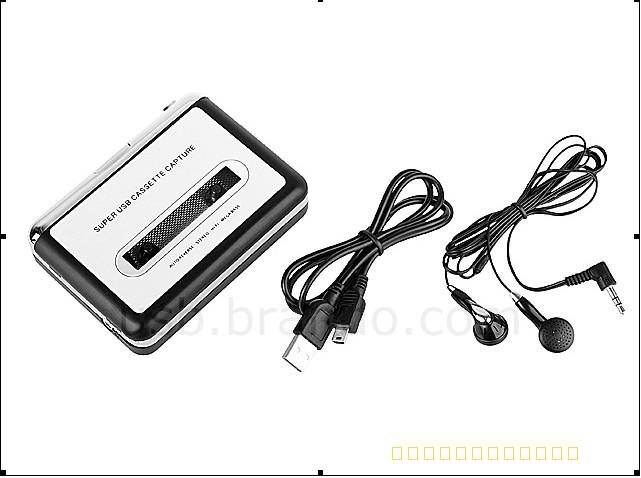
配件包含:
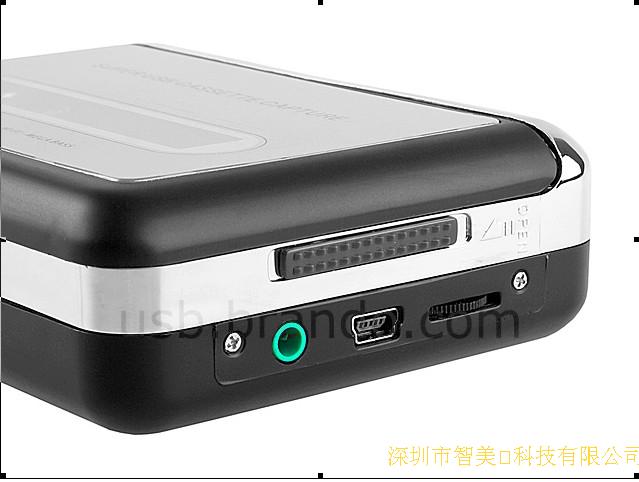
1x磁带机
1x说明书
1x USB数据线
1x耳机
1x光盘(含音频编辑软件和操作说明)
软件安装及使用说明:
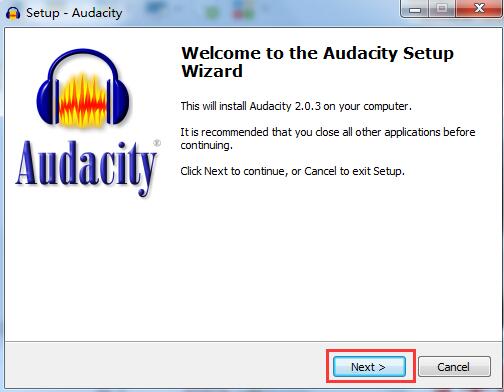
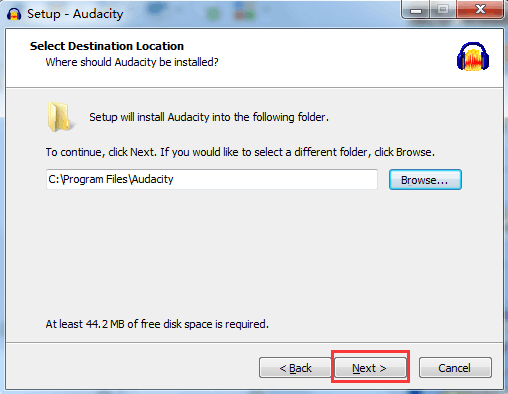
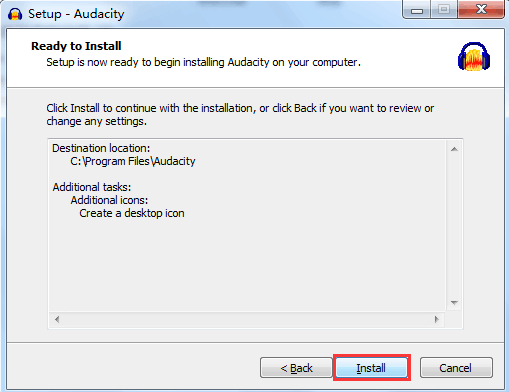
音频转换软件即光盘中的“Audacity.exe”文件,双击它运行
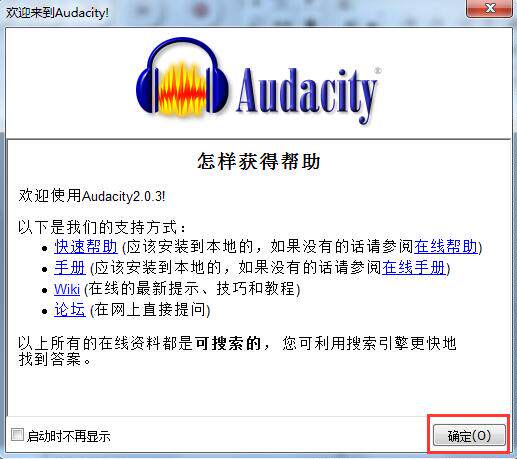
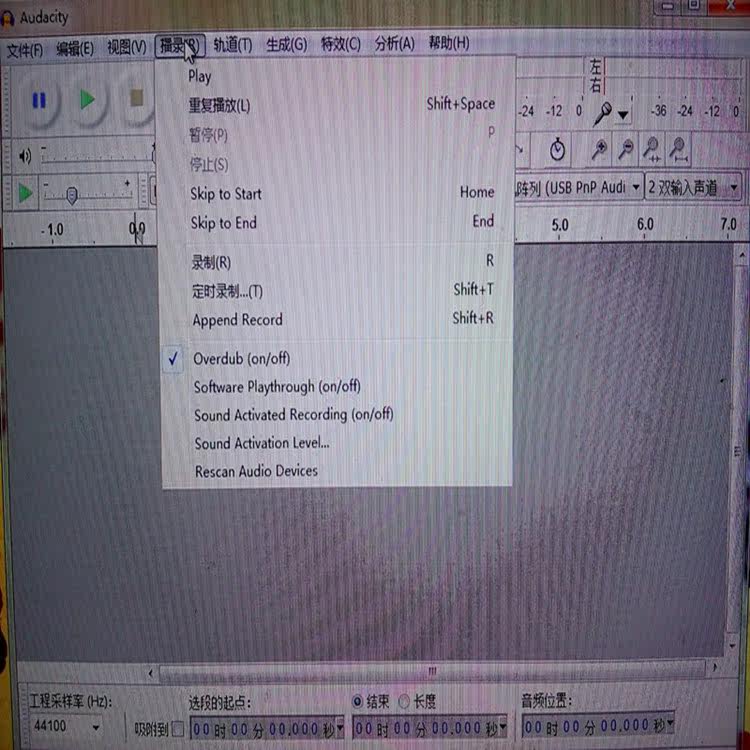
安装完成,启动软件,开始录音:
中途可以点击“停止”按钮,截止任务。
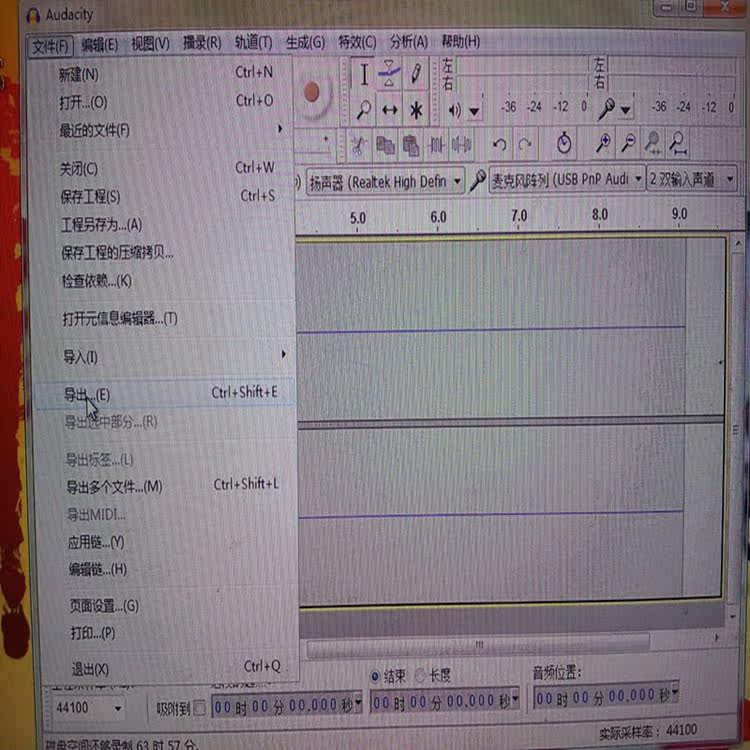
录制时如上图为波浪线为录制成功。
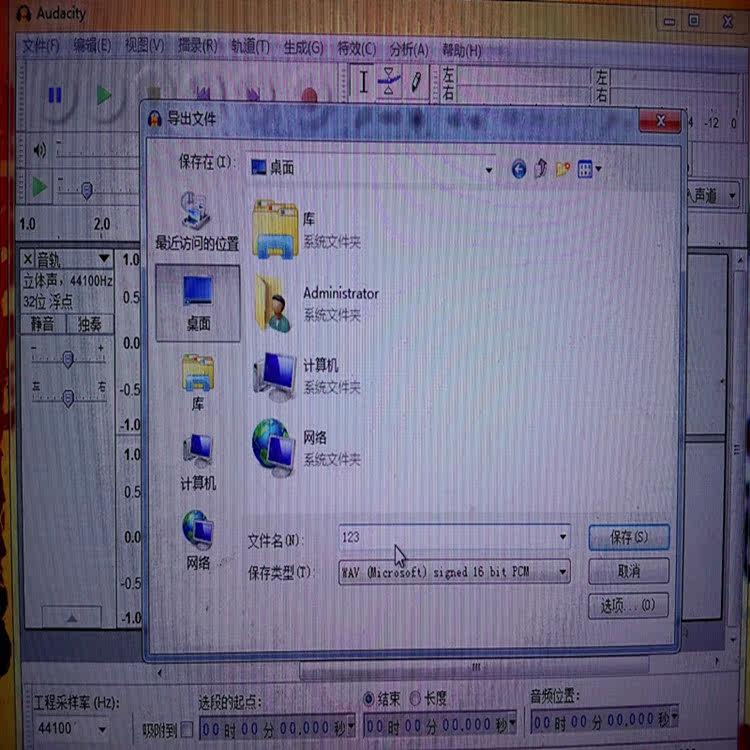
录制完成后,支持导出三种音频格式:WAV,MP3,Ogg Vorbis;
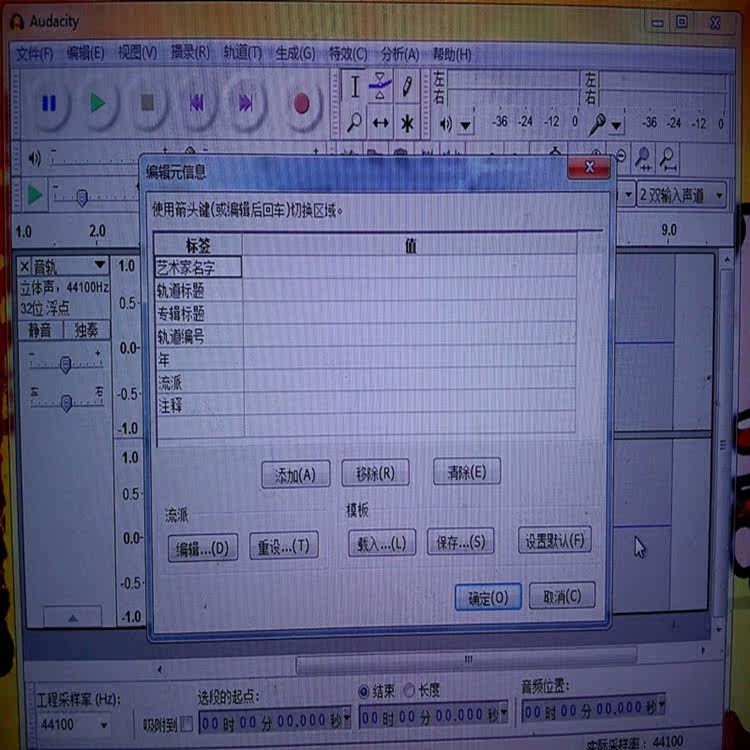
注意:他支持多国语言。安装有的为英文,有的为中文,是根据系统来的,英文系的自动安装为英文,中文的自动安装为中文。
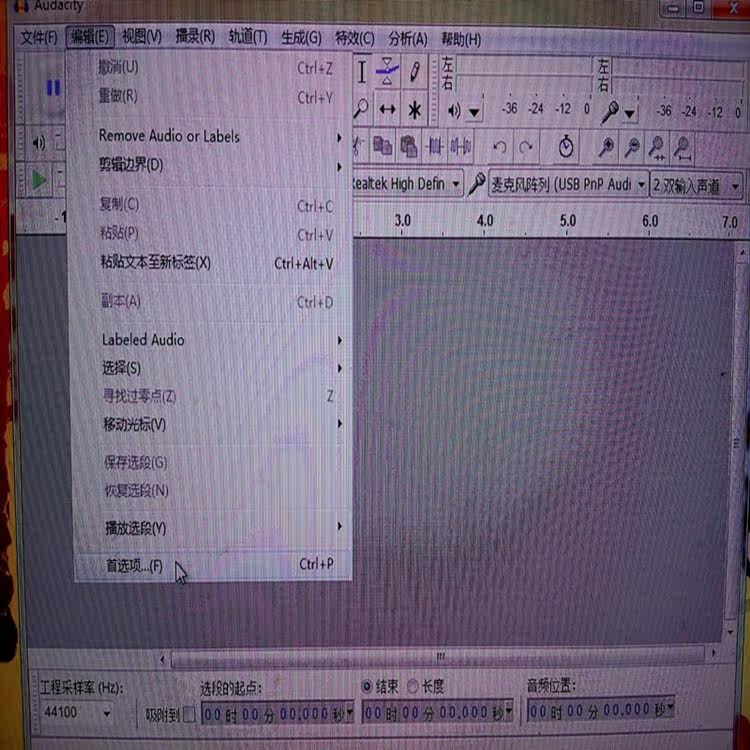
编辑——参数设定——界面,出现以下对画框,选择语言
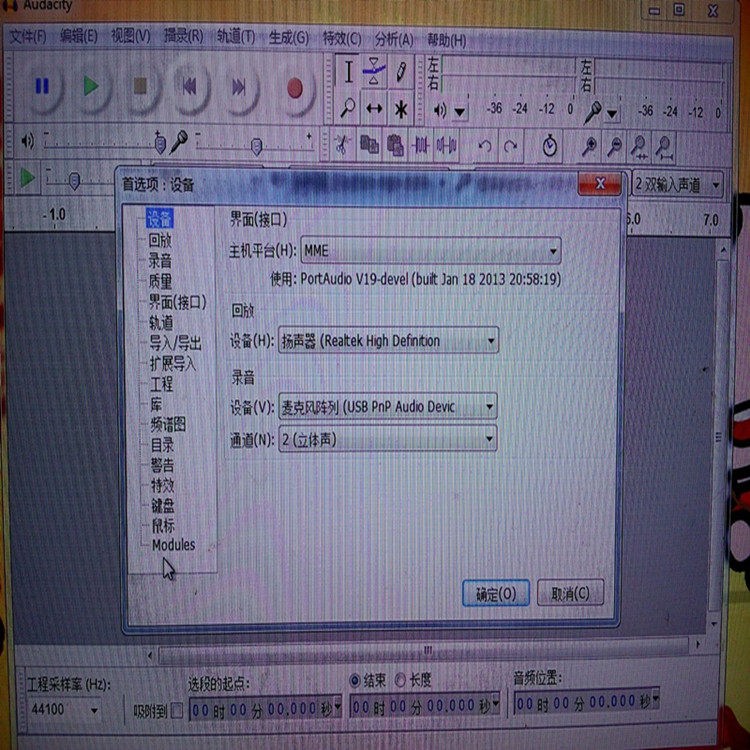
在采集过程中,有的听不到声音,是因为参数设定没选择好,编辑—参数设定,根据你的情况进行选择。
小巧门:在安装软件后一般软件是自己打开,先把软件关闭;把产品用USB线与电脑相连,再把软件打开,此时参数设定应是如下图。两设备均选择“USB Audio Device”。
Function:
1, or listening to music on old tapes converted into MP3. Rest assured, never lose ...
(Directly into the computer with the data transmission lines, there will be no environmental noise, with the tape soundtrack as good.)
2, it can also be used to listen to the tape, but to wearing headphones (because there is no speaker, but comes standard with a high-quality headset)
Old tapes are not willing to throw, you may want to throw outdated Walkman? Now this idea friends blessed it! Tape Converter born!
The old tapes into MP3 format, output to the computer, on the computer or IPOD player, or on CD-ROM storage.
Support System: Windows XP / Vista / Win 7
Including audio editing software
Accessories include:
1x drive
1x Instructions
1x USB cable
1x headphone
1x CD (including audio editing software and operating instructions)
Software installation and use:
Audio Converter Software as a CD "Audacity.exe" file, double-click it to run
The installation is complete, start the software, start recording:
Midway can click "Stop" button, off task.
Pictured above wavy line to record successful recording.
After recording, the export support three audio formats: WAV, MP3, Ogg Vorbis;
Note: He supports multiple languages. Install some in English, some in Chinese, is based on the system, the automatic installation of the Department of English English, Chinese automatic installation for the Chinese.
Edit - Preferences - interface for the following frame, select the language
In the collection process, some hear the sound, because the argument is not setting a good selection, Edit - Preferences, choose according to your situation.
Small door: after installing the software is generally open their own software, the first software to close; the product is connected to the computer with a USB cable, and then open the software, then the parameters should be set as follows. Two devices are to select "USB Audio Device".