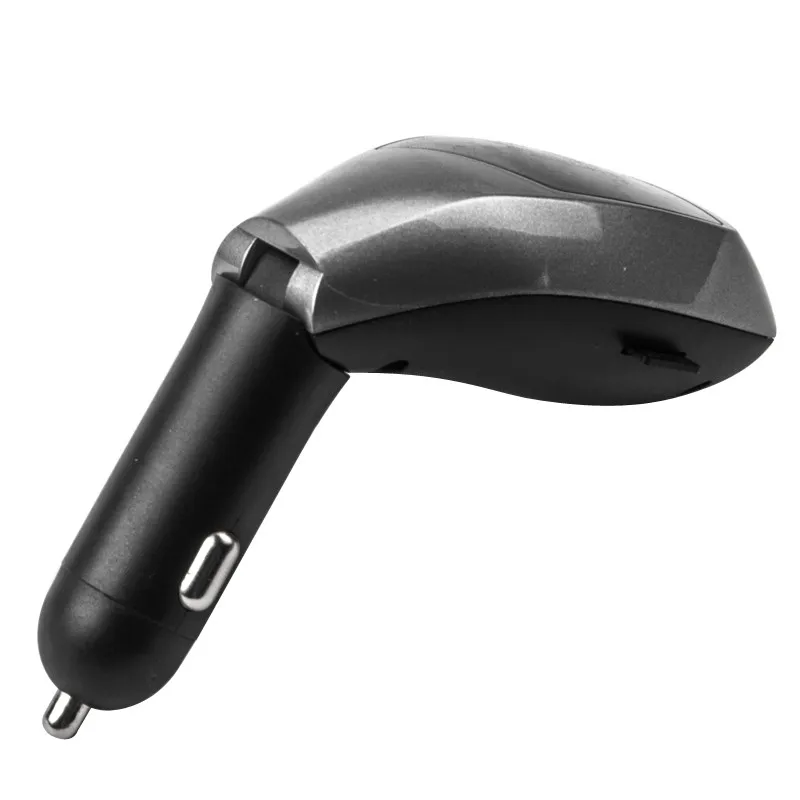
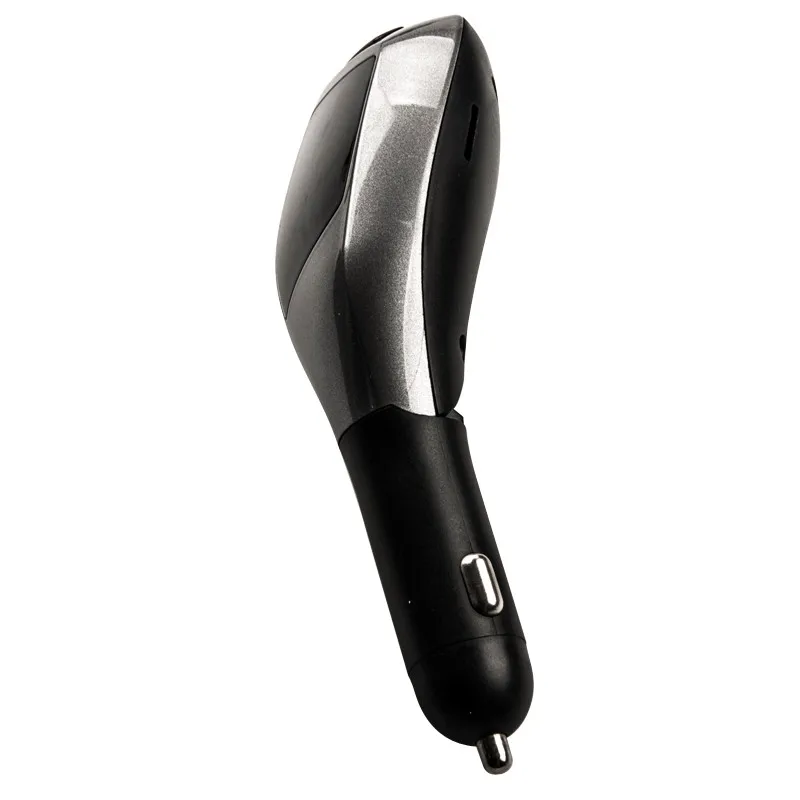
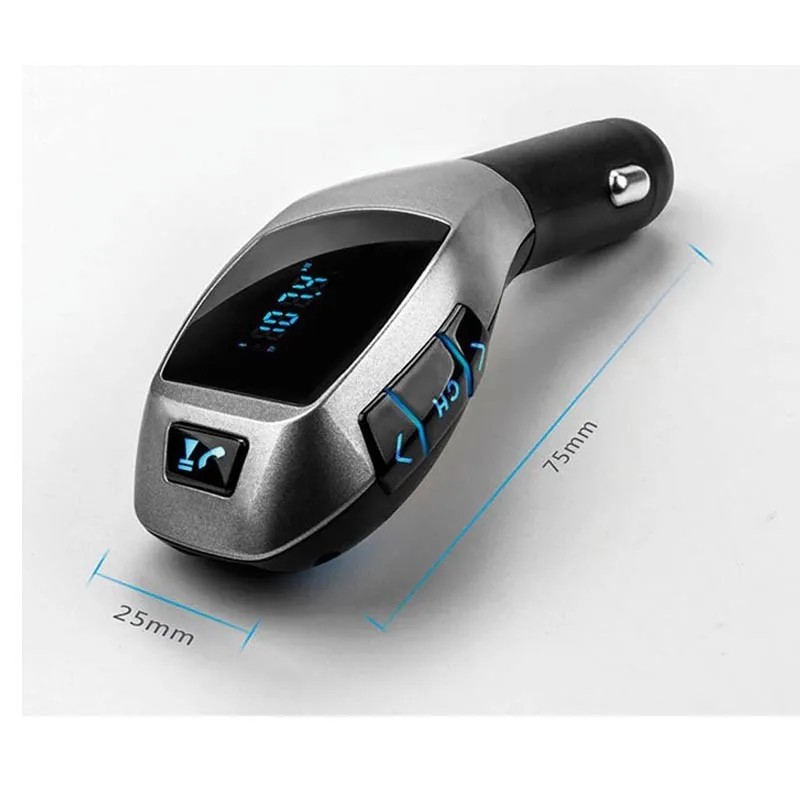
This device is a Bluetooth Mp3 player for car-used・ which equipped with professional high-performance Bluetooth module and Mp3 decoder chip.
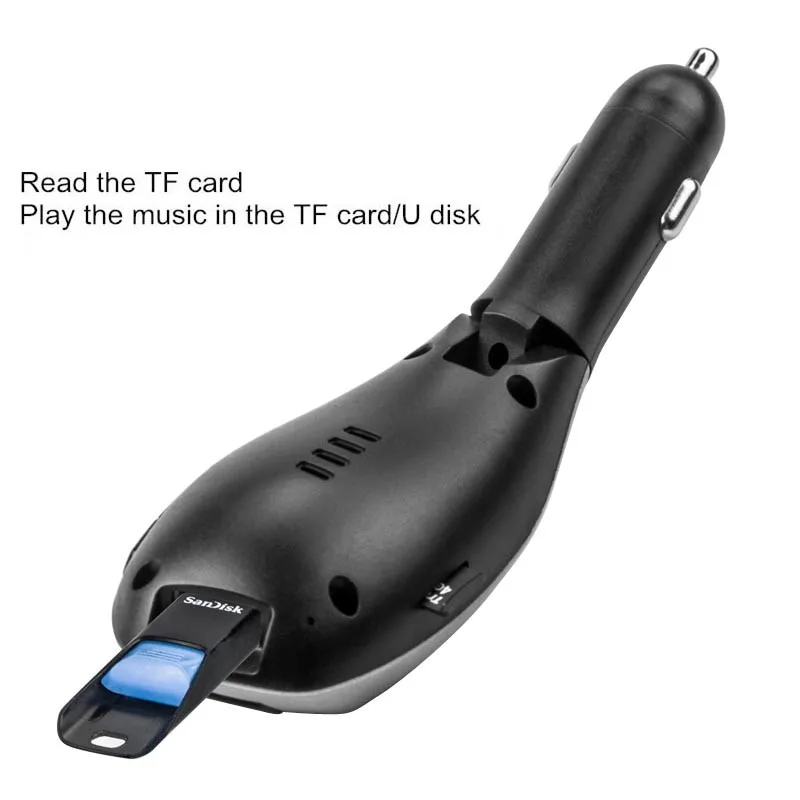
It can transmit the music from TF card to car stereo via FM radio signal.
It can transmit your mobile phone's music to car stereo via Bluetooth.
It can also be used as a hands-free car kit during driving.
This device transmits signal by wireless method・ no need to modify anything in car. It can be used both as the music player in entertainment purpose or hands-free car kit safety purpose during driving.
Product Introduction
1. Support Bluetooth hands-free phone calling via its build-in microphone.
2. Noise and wind suppressed by CVC technology to create full duplex sound quality.
3. Support mobile's A2DP function. Music will be played directly while the mobile phone is connected.
4. Mobile phone can be connected automatically when the device turns on.
5. Support an external TF card・ can play music files in Mp3/WMA format.
6. Integrated car charger of output 5V-1500mA・ is available for charging handheld devices in car.
Operation Instructions:
1. Device Power-on
(1). Device will turns on automatically when plug its integrated car charger to car cigarette lighter power.
(2).Select any of a frequency.
(3).Turn on car FM stereo and select the frequency same as that of the device.
2.Frequency and Volume Adjustment
(1). This device support frequency of 87.5-108.0MHz which can be adjusted by rotating button. Which can enter frequency adjustment mode by key of 'CH'.
(2). Adjust the volume by the key of <and>.
3. Playing Music from TF card
(1). Insert the TF card into the device・ it will aUtomatically detect and play the MP3/WAM/WAV format music in the TF card.
(2). Music selection: Press the button of <and> to select your favourite songs.
4. Connection to Bluetooth Devices:
(1). This device equipped with build-in Bluetooth chip・ can connect to other handheld Bluetooth devices.
(2). This pairing function will be activated automatically when the device is power on. With the LED indicator's 1 time/second blinking・ search this device with the name of "X5"・ and then connect it.
(3). This device has memory function. It will automatically connect to its memorized paired Bluetooth devices when power on.
(4). If you want to remove the memorized devices・ please press and hold the Frequency button to remove.
5. Playing Music from Mobile Phone:
(1). After successfully connecting mobile phone to the device via Bluetooth・ play music from mobile phone・ the device will wirelessly transmit the signal to car stereo.
(2). You can operate music playing of Volume/Play/Pause/Previous/Next on mobile phone・ or on the device.
6. Switching Music File Sources
(1). It can play the music from TF card and the device with bluetooth function・ you can switch the file source among any of them by the long tap of CH by the long tap the button on side of X5.
7. Make/Answer a Call:
(1). This device can make or answer a call when successfully connecting to mobile phone via Bluetooth.
(2). Double-click button to activate redialing of a last number.
(3). Reject call: When an incoming call・ please press button 5 second.