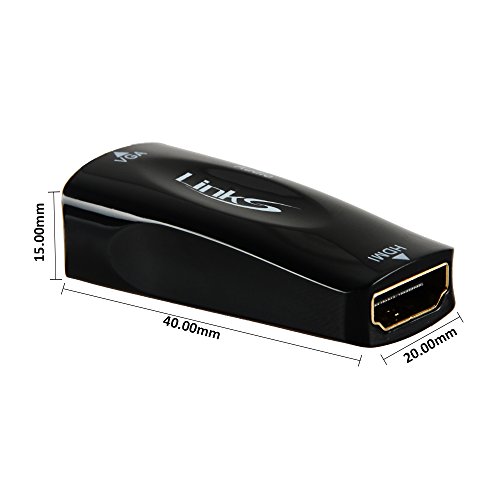
Studio : LinkS Publisher : LinkS Binding : Electronics Product Description
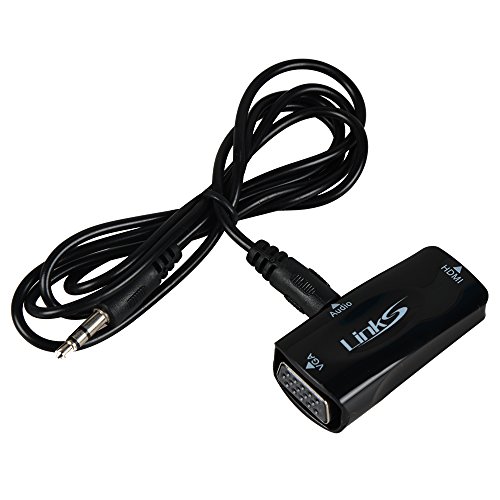
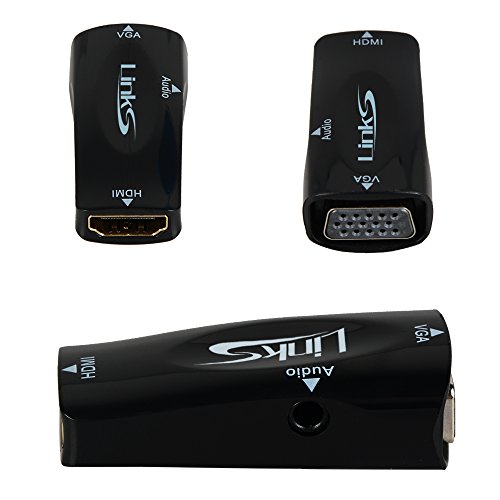
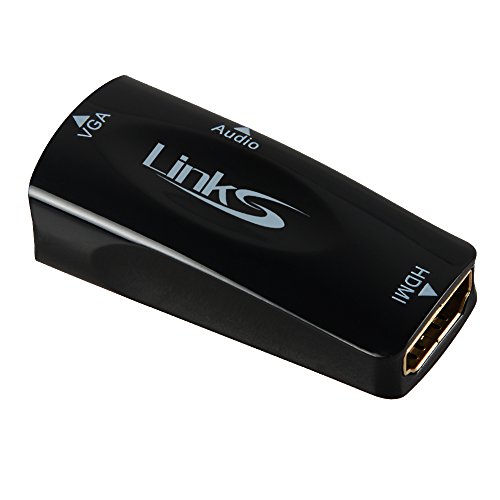
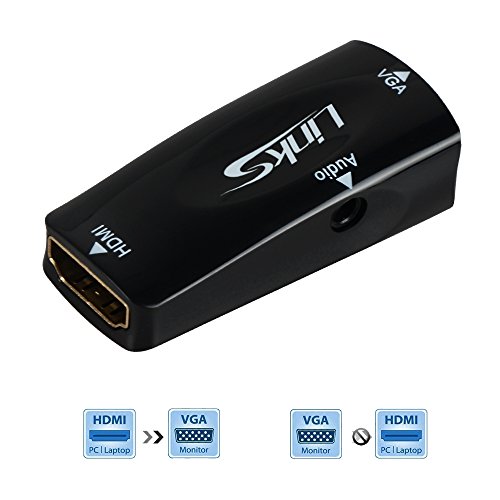
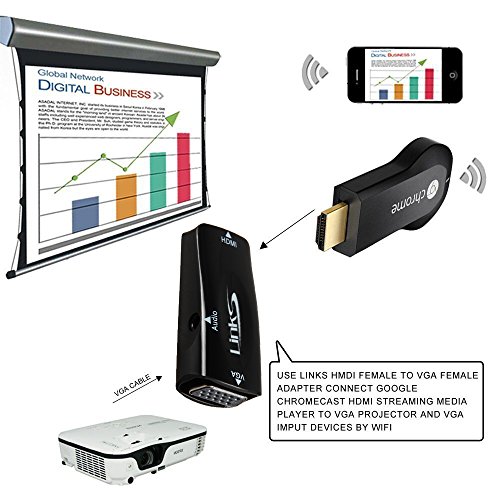
The LinkS HDMI-to-VGA Adapter Cable enables you to connect an HDMI output device, such as a laptop video output or digital media extender to a VGA display device (monitor, projector) by converting the HDMI video signal from the output device into a VGA output and separate 2-channel analog audio. Designed for travel - Lightweight and portable,It enables you to watch HDMI video on a large screen and enjoy it with your family and friends.
Plug-and-Play Installation steps:
1.no installation of any Software or drivers
2.Connect to the HDMI output on your device
3.Connect your Display to LinkS HDMI TO VGA using a VGA cable,make sure use the standard VGA cable
compatible with:
3x6 standard VGA cable
3x7 standard VGA cable
3x8 standard VGA cable
3x9 standard VGA cable
Not compatible with:
3x5 or 3x4 VGA cable
3x5 and 3x4 VGA cable are not standard VGA cable
4.Audio Support:3.5mm stereo audio output Package include:
1 * HDMI to VGA Adapter
1 * 3.5mm Audio Cable NOTE:
This adapter support HDMI device output to VGA monitor/TV only. One direction only. It cannot work in reverse. Not compatible with Macbook with thunderbolt/mini dp port
NOTE:
1. Setting the resolution of HDMI source do NOT be OVER the maximum resolution of Monitor/TV.
2. This converter can NOT extract audio only through HDMI source without connecting VGA port. Please connect all input/output interface ( HDMI,VGA,3.5mm Jack) to make it work perfectly.
3. Please do NOT short out the bottom two connections on the VGA side to get audio to work avoiding damaging your devices.
0
|